Can You Publish an AI-Built iOS App Without Coding?
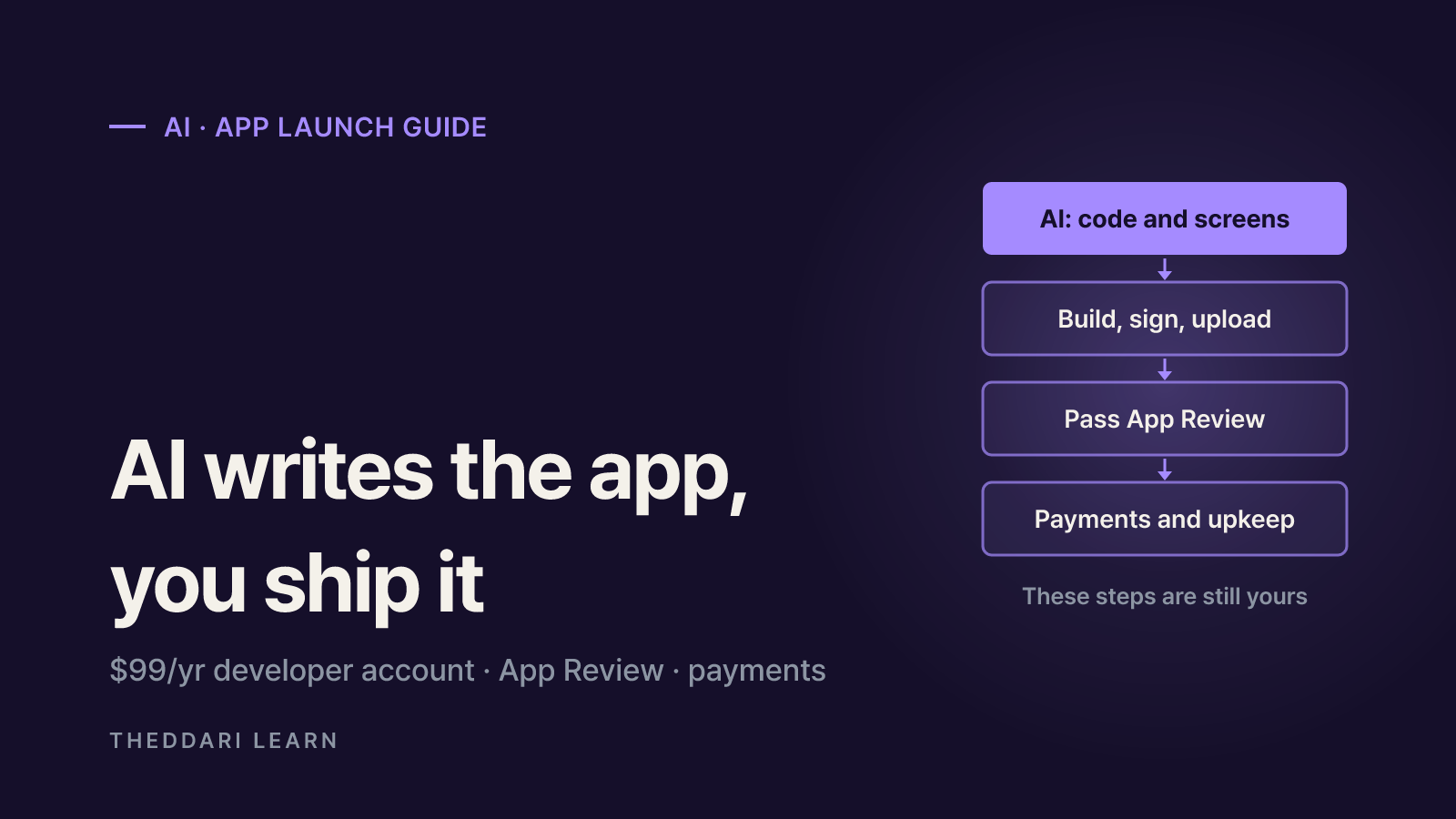
An AI-built iOS app can reach the App Store without coding, but you still need a $99/year developer account, a signed build, App Review and correct payments.
Contents8 sections
- What an AI-built iOS app still needs before launch
- Apple Developer Program fee and enrollment rules
- App Store review guidelines that trip up AI-built apps
- In-app purchase rules vs. external payments
- Maintenance: the long-term cost of a no-code app
- Launch checklist for a no-code iPhone app
- Frequently asked questions
- Sources and references
Key takeaways
- Yes, a non-coder can ship an AI-built iOS app, but AI mostly covers writing code; the account, review, payments and upkeep remain your responsibility.
- The Apple Developer Program costs 99 USD per membership year, with local-currency pricing shown during enrollment.
- According to Expo's documentation, cloud builds plus Expo Submit let you upload iOS builds from macOS, Linux or Windows, so a Mac is not strictly required.
- Physical goods must be paid for outside in-app purchase (for example Apple Pay or card entry), while unlocking digital features inside the app must use in-app purchase.
- App Review judges the result, not who wrote the code: crashes, placeholder content, missing demo accounts and downloaded executable code are common problems.
Yes, you can publish an AI-built iOS app without knowing how to code, but the AI only takes care of part of the job. An AI app builder or coding agent can generate the screens and logic. It cannot hold your Apple developer membership, answer App Review, decide which payment system the rules require or keep the app working after launch. This guide reflects Apple's App Review Guidelines, its enrollment page and Expo's iOS submission docs as checked in November 2026. It is written for first-time individual developers and small businesses targeting the App Store.
Demo videos showing an AI agent building a working storefront app with checkout, without a Mac and without code, have drawn a lot of attention. Getting an app to run in a demo and getting it approved, paid for and maintained on the App Store are different problems. The sections below walk through the steps that rarely appear on screen.
What an AI-built iOS app still needs before launch
Whatever tool you use, the output is a codebase. To reach the App Store, it has to become a production build (an .ipa file) signed with your Apple credentials, uploaded to App Store Connect, processed into TestFlight and then submitted for review. Much of this can be automated, but every account and setting along the way must belong to you.
The most common question is whether you need a Mac. Expo's documentation says Expo Submit works the same way on macOS, Linux and Windows, so you do not need a Mac to ship iOS builds, and its cloud build service can create the binary. Expo notes that uploaded builds usually appear in TestFlight after 10 to 15 minutes of processing. Its manual fallback, for times when the service is unavailable, requires a Mac with Xcode. In other words, the no-Mac route depends on a third-party cloud service.
Apple's build requirements also move every year. According to Apple's Upcoming Requirements page, since April 28, 2026, apps uploaded to App Store Connect must be built with Xcode 26 or later using the iOS 26 SDK, and since September 9, 2026, iOS apps must target iOS 13 or later. If you rely on a hosted builder, confirm that it keeps up with these rules.
Code and screens
- How much AI or tooling helps
- A lot
- What you still own
- Testing on a real device
Build and signing
- How much AI or tooling helps
- Largely automated by cloud builds
- What you still own
- Developer login, bundle ID and certificates
Upload and TestFlight
- How much AI or tooling helps
- One command in many tools
- What you still own
- App record, description and screenshots
App Review
- How much AI or tooling helps
- Very little
- What you still own
- Review notes, demo account, handling rejections
Payments and operations
- How much AI or tooling helps
- Some payment code
- What you still own
- Choosing the payment method, payouts, support, updates
If the app is only for friends and family
Apple's own guidelines say the App Store is not the best route for an app you only want to show to family and friends. Instead, they suggest installing it on a device with Xcode for free or using Ad Hoc distribution, which is available to Apple Developer Program members. If your goal is experimentation rather than sales, that path saves money and review effort.
Apple Developer Program fee and enrollment rules
The Apple Developer Program costs 99 USD per membership year. Apple says prices may vary by region and are listed in local currency during enrollment. Since it is an annual membership, you renew it to keep distributing. Nonprofits, accredited educational institutions and government entities that meet Apple's conditions can request a fee waiver.
- Individuals: you need an Apple Account with two-factor authentication and must be of legal age in your region. Use your legal first and last name; nicknames or company names delay approval.
- Seller name: individual accounts show your legal name as the seller on the App Store, which matters if you would rather not publish your name.
- Organizations: the entity must be able to sign contracts, have a D-U-N-S Number, use a work email on its own domain and run a functional public website. Apple does not accept DBAs, trade names or branches.
- Minors: if you are under the age of majority, a parent or guardian can enroll and share access.
Some AI builders ask for your Apple credentials so they can upload on your behalf. Where possible, use an App Store Connect API key with limited scope rather than handing a third-party service your Apple Account password.
App Store review guidelines that trip up AI-built apps
App Review looks at what ships, not at who wrote it. The guidelines state that you are responsible for everything in your app, including ad networks, analytics services and third-party SDKs. Any library an AI agent added on its own is therefore your responsibility. These are the areas most likely to cause trouble for generated apps:
- Completeness (2.1): submit a final version without placeholder text, empty websites or broken URLs. Apps that crash or show obvious technical problems are rejected. If there is a login, provide a demo account and keep the backend running.
- Accurate metadata (2.3): the description, screenshots and privacy information must match the core experience. App names are limited to 30 characters.
- Downloaded code (2.5.2): apps may not download, install or execute code that introduces or changes features. Be careful with designs where AI generates and runs code at runtime.
- Hidden features (2.5.19): undocumented or dormant features are not allowed. Remove leftover debug screens and test menus.
- AI-generated content (1.2): apps that let users create content with AI need filtering, reporting, user blocking and published contact information.
The business model is reviewed too. The Business section says that if your monetization is not obvious, you should explain it in metadata and review notes, and that confusing in-app purchases can delay review or trigger rejection. Apple describes the guidelines as a living document, so reread the current version right before you submit.
In-app purchase rules vs. external payments
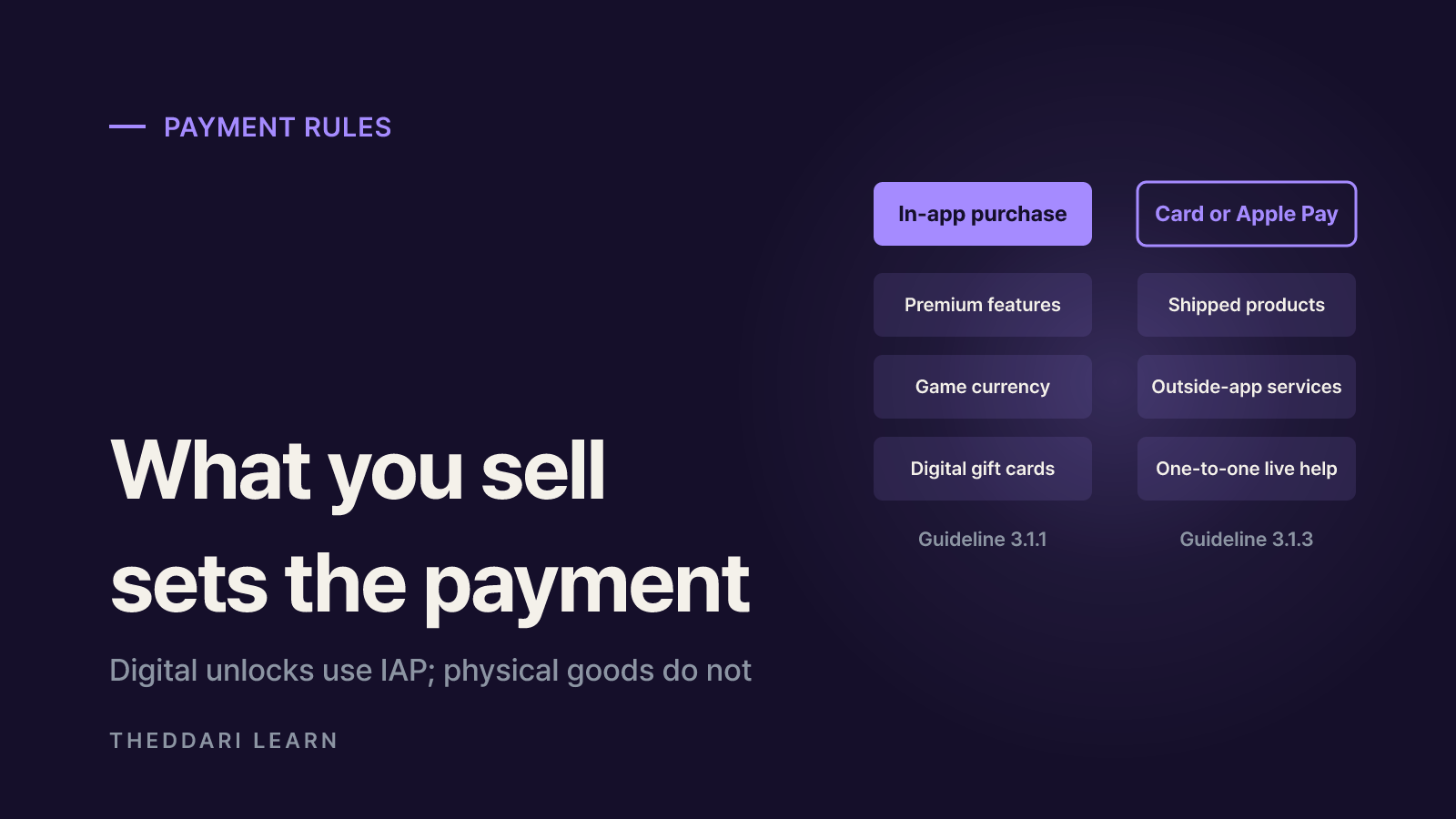
Payments are where a demo and a real launch diverge most. The deciding question is what you are selling. Under Guideline 3.1.1, unlocking features or content inside the app, such as subscriptions, premium tools or game currency, must use in-app purchase; license keys, QR codes and crypto-based unlocks are not allowed. Under Guideline 3.1.3(e), physical goods or services consumed outside the app must use other purchase methods such as Apple Pay or traditional credit card entry. A storefront app shipping real products should integrate a regular payment processor, not in-app purchase.
Shipped physical products
- Payment method
- Not in-app purchase (Apple Pay, card)
- Guideline
- 3.1.3(e)
Services used outside the app
- Payment method
- Not in-app purchase
- Guideline
- 3.1.3(e)
Premium features, subscriptions, game currency
- Payment method
- In-app purchase
- Guideline
- 3.1.1
Digital gift cards and vouchers
- Payment method
- In-app purchase
- Guideline
- 3.1.1
Real-time one-to-one services
- Payment method
- Other methods allowed
- Guideline
- 3.1.3(d)
Real-time one-to-many services
- Payment method
- In-app purchase
- Guideline
- 3.1.3(d)
Links and buttons pointing to outside payment depend on the storefront. The guidelines say the prohibition on such buttons and links does not apply to the United States storefront. In other storefronts, links are allowed only through region-specific entitlements; otherwise apps and metadata may not steer users to purchase methods other than in-app purchase. If you sell outside the U.S., do not assume U.S. rules apply.
If you use in-app purchase
- Commission: the App Store Small Business Program offers a reduced 15% commission on paid apps and in-app purchases for new developers and those with up to 1 million USD in prior-year proceeds. The Account Holder must enroll and accept the Paid Apps agreement.
- Timing: Apple says adjusted proceeds start 15 days after the end of the fiscal month in which enrollment is approved.
- Restores and credits: provide a restore mechanism for restorable purchases, and credits bought through in-app purchase may not expire.
- Subscriptions: auto-renewable subscriptions must provide ongoing value, last at least seven days and work across the user's devices.
- Reviewer access: configured in-app purchases must be visible and functional for the reviewer.
AI-generated payment code sometimes renders a convincing checkout without real verification behind it. In a sandbox, walk through purchase, failure, cancellation, restore and refund requests yourself, and confirm success in your payment provider's or server's records rather than on the app screen.
Maintenance: the long-term cost of a no-code app
Approval is the start, not the finish. Apple's guidelines say apps that no longer function as intended, or that are no longer actively supported, will be removed. Build requirements rise on a schedule, from Xcode 15 in April 2024 to Xcode 26 in April 2026, so you must be able to rebuild with current tools to ship any update. The membership must also be renewed every year.
- Code ownership: check whether your AI builder lets you export the source and whether you can still build if you cancel the service.
- Code you do not understand: AI can propose fixes, but you need tests to confirm a fix did not break something else.
- Data security: Guideline 1.6 requires appropriate security for user information. A shopping app handling logins and addresses carries more responsibility.
- Support: Guideline 1.5 asks for an easy way to contact you in the app and on its Support URL. Decide who handles refunds, shipping and bug reports.
- New requirements: unanswered Apple requirements, such as updated age rating questions, can block update submissions.
AI coding tools and app builders change quickly. theddari's AI Telegram trends page collects chatter about agents and coding tools, and the blog trends page surfaces hands-on write-ups, which can help when comparing builders. Whichever tool is popular this month, check for yourself whether it helps with release and maintenance, not just generation.
 theddari.comTrendsBlog PostsSummarized Naver blog posts
Launch checklist for a no-code iPhone app
- 1
Decide the goal
Are you selling publicly or testing with a few people? For testing, device installs or TestFlight may be enough.
- 2
Set up the account
Confirm two-factor authentication and your legal name, choose between an individual account (your name is shown) or an organization (D-U-N-S Number and website), then pay the 99 USD annual membership.
- 3
Split payments by product type
Use card or Apple Pay for physical goods and outside services, in-app purchase for digital unlocks, and check the link rules for each country you sell in.
- 4
Prepare for review
Remove placeholders and test menus, check for crashes on a real device, and prepare a demo account, review notes, real screenshots and privacy answers.
- 5
Plan operations
Confirm source export, name who ships updates and answers support, and schedule a yearly check of Apple's build requirements.
The bottom line: a non-coder can get an AI-built app onto the App Store, but the account, guideline compliance, payment structure and ongoing maintenance stay with you. Being able to explain those five steps on your own is a better predictor of a successful launch than how polished the demo looks.
Frequently asked questions
Do I need a Mac to publish an iPhone app?
How much does an Apple developer account cost, and is it a yearly fee?
Does a shopping app have to use Apple in-app purchase for products?
Will Apple reject an app just because AI wrote it?
What commission does Apple take on in-app purchases for a new developer?
Sources and references
- 1Apple: App Review Guidelines(opens in a new tab)developer.apple.com
- 2Apple Developer Program: Become a member(opens in a new tab)developer.apple.com
- 3Apple: App Store Small Business Program(opens in a new tab)developer.apple.com
- 4Apple Developer: Upcoming Requirements(opens in a new tab)developer.apple.com
- 5Expo: Submit to the Apple App Store with Expo Submit(opens in a new tab)docs.expo.dev
Related articles
 AI
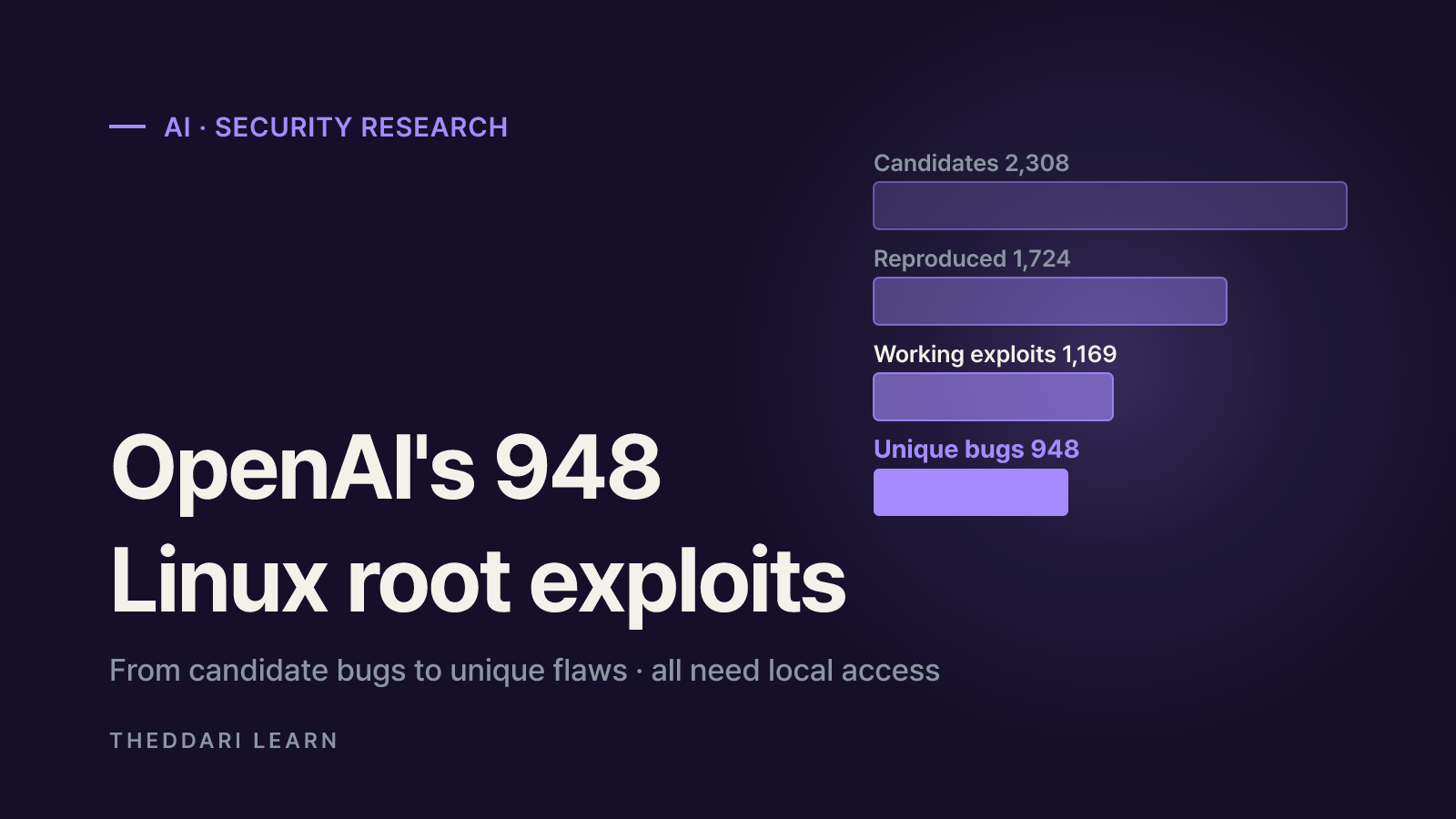
OpenAI's 948 Linux Root Exploits: What It Means for Admins
The viral '948 ways to root your Linux box' claim traces back to a real OpenAI research post, but the number comes with conditions. Here is how to read it, how to vet AI vulnerability claims, and what to check on your servers.
 AI
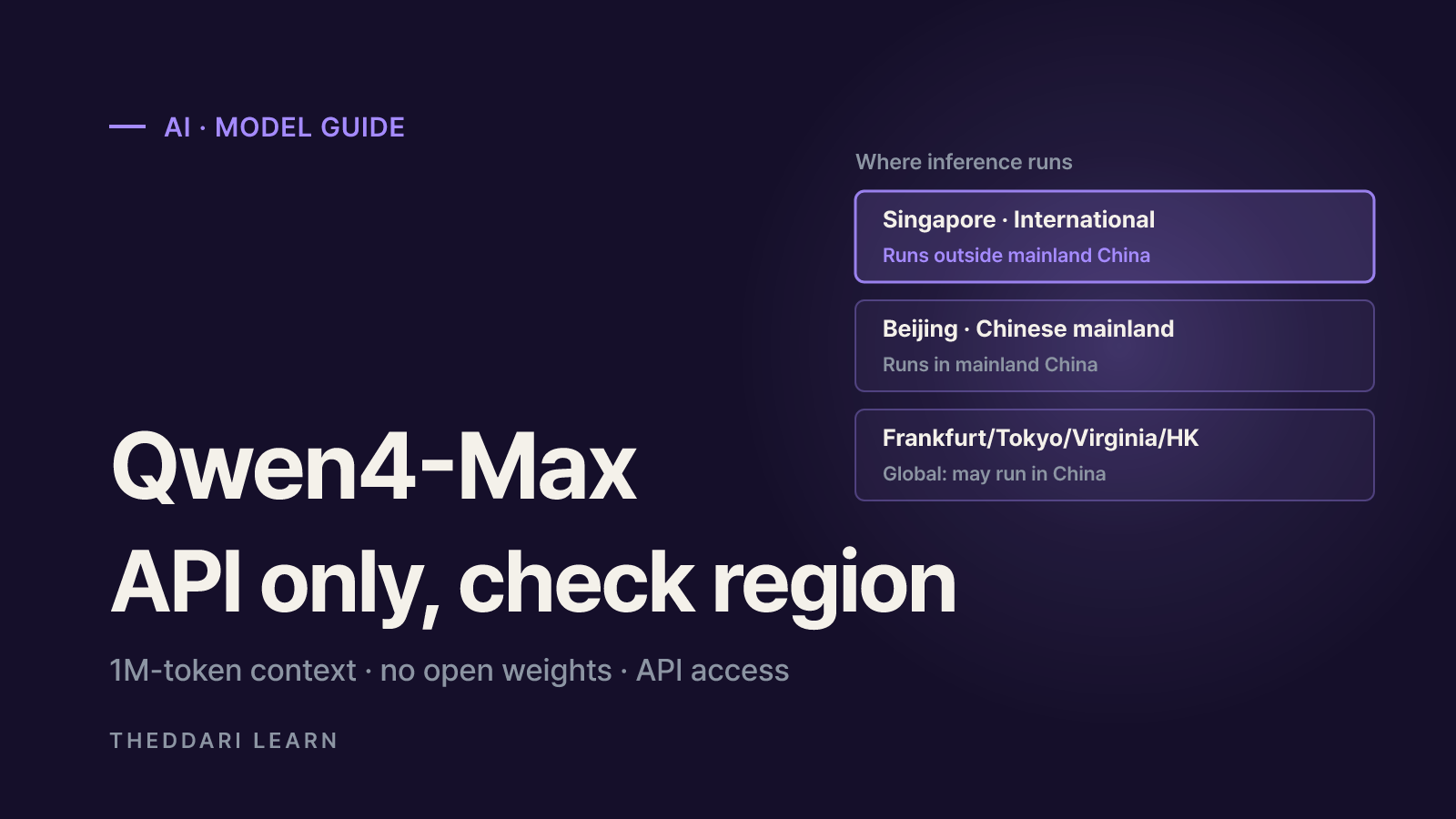
What Is Qwen4-Max? Pricing, Regions and API Checks
Qwen4-Max is the first model in Alibaba's Qwen4 family. It is served through the QwenCloud API and Token Plan rather than as downloadable weights, and its price and inference location depend on the region you call. Here is what the official docs say and what to test before you build on it.
 AI
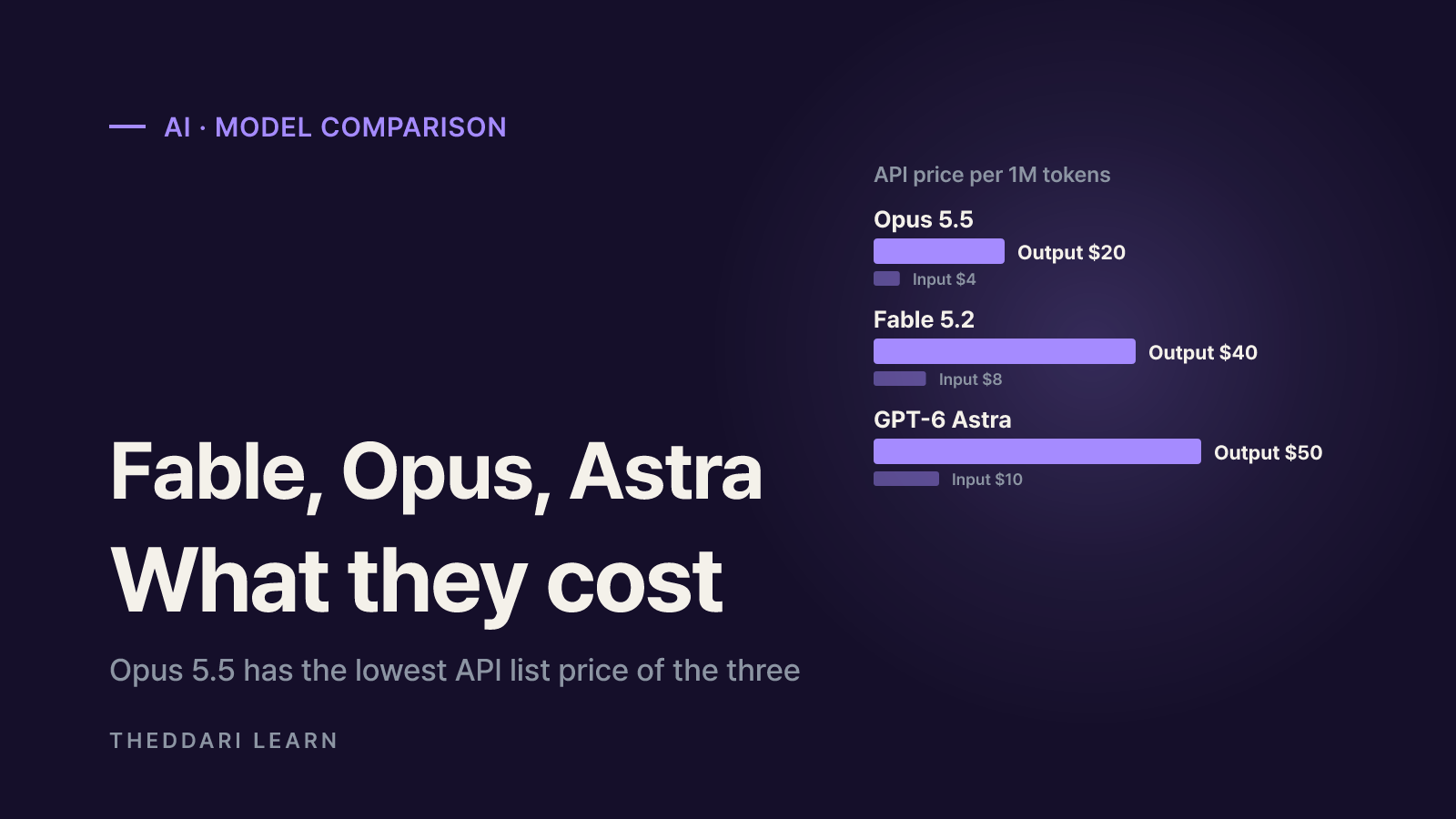
Claude Fable 5.2 vs Opus 5.5 vs GPT-6 Astra: Costs Compared
Picking between Claude Fable 5.2, Opus 5.5 and GPT-6 Astra is less about who tops a leaderboard and more about which plan gives you enough of the right model for the least money. Here is how prices, plan access and limits compare as of November 2026.