MiniMax-H3-Image: Specs, ComfyUI Setup and License Limits
MiniMax-H3-Image explained: 33.1B DiT, 16 MP output, 6-step sampling, ComfyUI file sizes, and a license that excludes the US, UK, EU and South Korea.
Contents7 sections
Key takeaways
- MiniMax-H3-Image is a 33.1B diffusion transformer released on November 10, 2026 that handles text-to-image and multi-reference image editing (up to 16 images) in one checkpoint.
- It renders about 16 MP natively (4096x4096 up to 6272x2688) in 6 steps with no CFG, so negative prompts are not supported.
- The original weights need about 135 GB for the DiT, text encoder and VAE; the Comfy-Org INT8 repack for ComfyUI is about 47 GB. No official minimum VRAM is published.
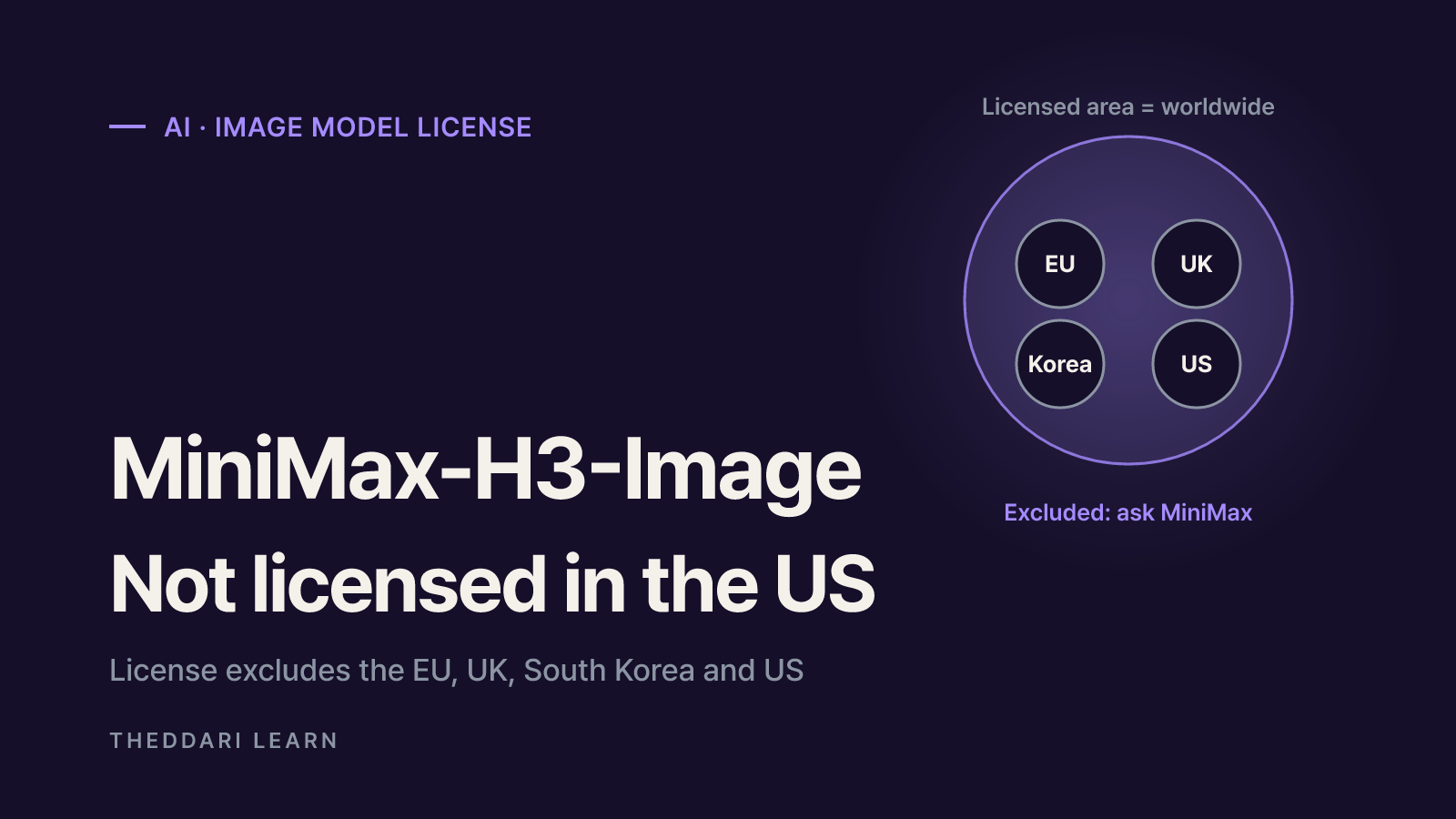
- The license grants rights only outside the European Union, the United Kingdom, South Korea and the United States. Users there must ask MiniMax for a separate license.
MiniMax-H3-Image is an open-weights image generation and editing model that MiniMax released on November 10, 2026. A single 33.1B-parameter diffusion transformer does both text-to-image and reference-based editing, and it outputs roughly 16 MP images (4096x4096) in 6 sampling steps without an upscaler. ComfyUI supports it through a Comfy-Org repack and two official workflow templates.
Before you download anything, check two things: hardware and license. As of November 18, 2026, the license text excludes the United States, the United Kingdom, the European Union and South Korea from its Applicable Territory. That matters more than any benchmark for most English-speaking readers. This guide is based on the official model card, the ComfyUI tutorial and the license itself; quality rankings that those sources do not support are left out.
What is MiniMax-H3-Image? The published specs
MiniMax-H3-Image is the image member of the MiniMax H3 family, with the audio branch removed. The prompt and any reference images go through the H3 text encoder, references are also encoded by the VAE, and everything is packed into one token sequence for a single-stream transformer that predicts the target image latent. Here is what the model card states.
| Item | Published detail (checked November 18, 2026) |
|---|---|
| Release | November 10, 2026 (date in the license) |
| Tasks | Text-to-image and image editing in one checkpoint |
| References | Up to 16 images, called <Picture 1>, <Picture 2> and so on in the prompt |
| Diffusion transformer | 33.1B parameters, 50-layer single-stream, BF16 weights |
| Text encoder | MiniMax-H3's Qwen3-VL text encoder, unchanged, stored in a separate repo |
| Output | About 16 MP, from 4096x4096 (1:1) to 6272x2688 (21:9); works from about 4 to 20 MP |
| Sampling | Distilled to 6 steps, guidance fixed at 1, no negative prompt |
| Runtimes | diffusers, SGLang, vLLM-Omni, LightX2V, DiffSynth-Studio, ComfyUI |
What 6 steps and no CFG mean in practice
Most diffusion models run dozens of steps and use classifier-free guidance to push the image toward the prompt. This checkpoint is distilled to 6 steps with guidance locked at 1. On the official server API, any other step count or guidance value returns HTTP 400, and negative_prompt is rejected. The ComfyUI templates drop the negative prompt for the same reason. If you want to avoid something, say so in the positive prompt.
Write long English prompts, or use the expander
The model card says the model expects a detailed English description of the whole image. MiniMax's hosted API rewrites short prompts in any language with H3-Image-Context-IR before generating. Locally you can run the official prompt expander, MiniMax-H3-Image-PE (derived from Qwen3.8-27B, NVFP4, 17.9 GB), while the ComfyUI templates use a lighter Qwen3.5 9B W4A8 build (7.34 GB). One-line prompts tend to underuse the model, so either turn the expander on or describe subject, lighting and composition in full sentences.
MiniMaxAI original vs Comfy-Org repack
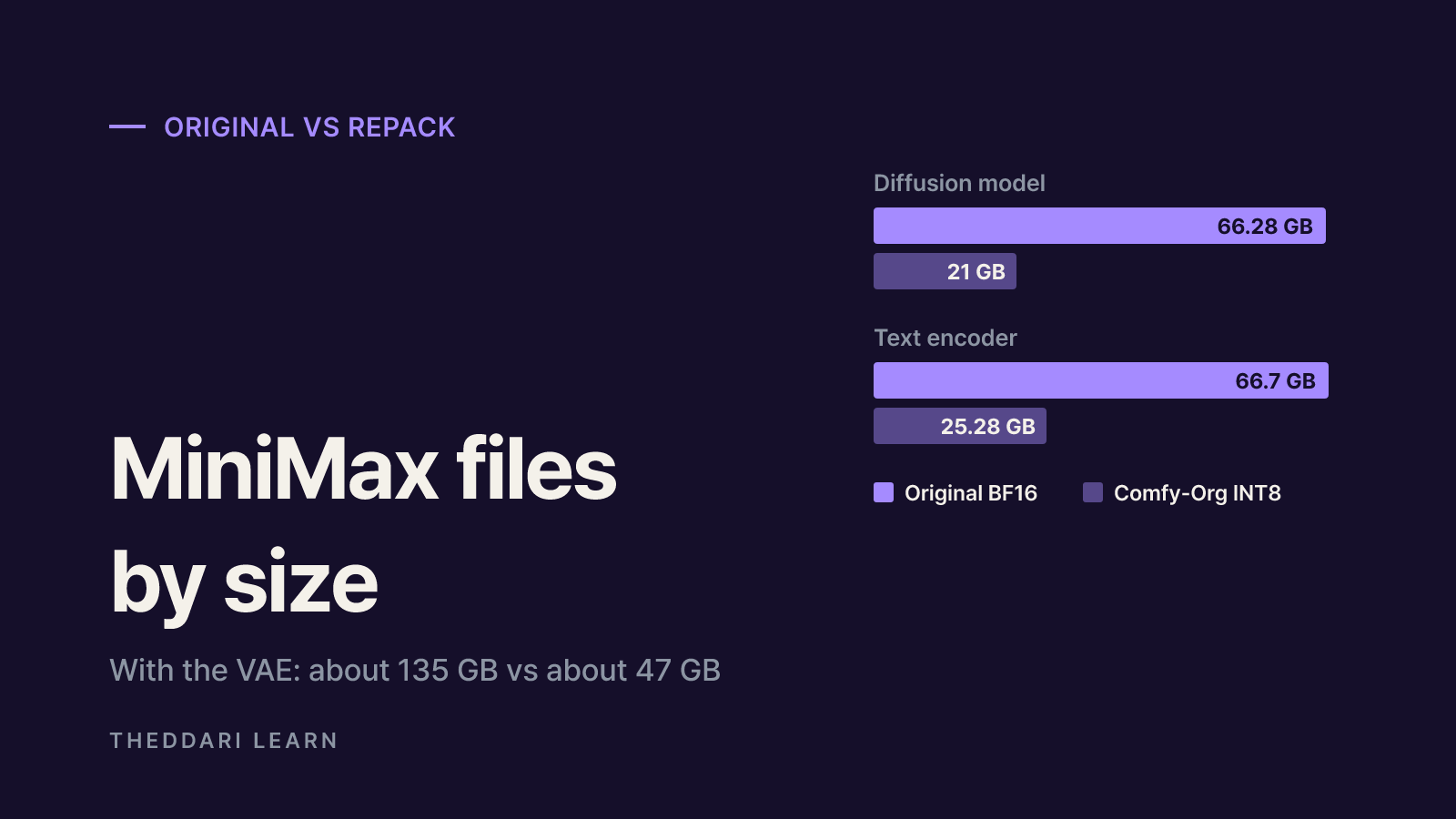
Two repos are trending together. MiniMaxAI/MiniMax-H3-Image holds the original weights for diffusers, SGLang and vLLM-Omni. Comfy-Org/MiniMax-H3-Image holds files repackaged for ComfyUI. The main difference is precision, and therefore size.
Diffusion model
- Original (MiniMaxAI)
- transformer/ BF16, 66.28 GB
- ComfyUI (Comfy-Org)
- Pruned INT8, 21 GB
Text encoder
- Original (MiniMaxAI)
- MiniMax-H3 repo text_encoder/, 66.7 GB
- ComfyUI (Comfy-Org)
- Qwen3-VL-32B INT8, 25.28 GB
VAE
- Original (MiniMaxAI)
- FP32, 2.34 GB
- ComfyUI (Comfy-Org)
- FP16, 1.17 GB
Prompt expander (optional)
- Original (MiniMaxAI)
- MiniMax-H3-Image-PE NVFP4, 17.9 GB
- ComfyUI (Comfy-Org)
- Qwen3.5 9B W4A8, 7.34 GB
Runtime
- Original (MiniMaxAI)
- diffusers, SGLang, vLLM-Omni and others
- ComfyUI (Comfy-Org)
- ComfyUI 0.45.0 or later
Adding the DiT, text encoder and VAE gives about 135 GB for the original (66.28 + 66.7 + 2.34) and about 47 GB for the Comfy-Org files (21 + 25.28 + 1.17), or about 55 GB with the expander. The original text encoder lives in the MiniMax-H3 repo, so it is not downloaded twice if you already have MiniMax-H3. The Comfy-Org card also lists an NVFP4 AWQ text encoder as an alternative to the INT8 file.
The Comfy-Org diffusion model is pruned and quantized to INT8. The official docs do not publish a quality comparison with the BF16 original, so if fine texture matters, render the same seed with both and compare.
There is no official VRAM figure
Neither source gives a minimum VRAM number. What they do say: the text-to-image template opens at 4 MP on purpose so low-VRAM machines do not run out of memory, and if an edit runs out of memory you should enable the Resize Image/Mask node and lower the megapixels. The lighter 9B expander was chosen so it fits beside the 21 GB diffusion model on one GPU. The vLLM-Omni server recipe lists accelerators such as NVIDIA H200, RTX PRO 6000 Blackwell and AMD Instinct MI350X, and the model card points to DiffSynth-Studio for low-VRAM inference.
Videos and blog posts report very different numbers depending on quantization, offloading, system RAM and the PyTorch and CUDA build. Plan for free disk space and plenty of system RAM, not just GPU memory.
Setting it up in ComfyUI, step by step
- 1
Check the license territory first
Before installing, confirm where you are and what you plan to do. If you are in the US, UK, EU or South Korea, read the license section below first.
- 2
Update ComfyUI
Both official templates need ComfyUI 0.45.0+ and template pack 0.11.104+. If the templates are missing or nodes fail to load, your install is probably too old. Comfy Cloud updates after the stable release.
- 3
Put four files in the right folders
Place minimax_h3_image_pruned_int8_convrot.safetensors in
diffusion_models/, qwen3vl_32b_minimax_h3_int8_convrot.safetensors and qwen3.5_9b_w4a8_gptq.safetensors intext_encoders/, and minimax_h3_image_vae_fp16.safetensors invae/. The text encoder comes from Comfy-Org/MiniMax-H3 and the expander from Comfy-Org/Qwen3.5. - 4
Load a template and keep the defaults
Search the Template Library for MiniMax-H3-Image: Text to Image or Image Edit. The distilled schedule is euler, simple, 6 steps, CFG 1, denoise 1; leave it alone unless you are testing.
- 5
Start at 4 MP, then scale up
Every edge is generated on a multiple of 32 px. Once 4 MP works, try 16 MP sizes such as 4096x4096 (1:1), 5472x3072 (16:9) or 6272x2688 (21:9).
- 6
Edit with picture labels
The edit template loads your source as <Picture 1>. To add a reference, add a Load Image node, wire it to both the prompt generation step and the conditioning node, and refer to it as <Picture 2>. The expander is on in the edit template and off in the text-to-image template.
Open image models attract quantizations, LoRAs and community workflows within days. On the date we checked, the Hugging Face model tree already showed 22 finetunes and 32 quantizations. You can follow that kind of activity on the THEDDARI AI Telegram trends and blog trends pages.

License: the US, UK, EU and South Korea are excluded
MiniMax-H3-Image is not under Apache 2.0 or MIT. It uses the MiniMax-H3-Image Community License Agreement. The license defines the Applicable Territory as worldwide minus the Excluded Territories, which it names as the European Union, the United Kingdom, the Republic of Korea and the United States of America. Rights are granted solely within the Applicable Territory, and the license says use, reproduction, modification, distribution or display outside it is not authorized. The first item of the Acceptable Use Policy repeats the ban.
The license also says you accept it by using, running or displaying any part of the model, not only by clicking accept. The Comfy-Org repack carries the same license; its model card quotes only the commercial-approval clause, which is easy to misread as the whole story. Finetunes, LoRAs and quantized files on Hugging Face count as Model Derivatives and inherit the same terms.
If you are in an excluded region
The license says MiniMax is still evaluating the rules in the excluded regions and that anyone there interested in deploying the model may contact MiniMax about a license, which would be granted based on controls and guardrails. The practical route is the license application form linked from the model card or the contact address [email protected]. For company use, involve your legal team before anyone runs the weights.
MiniMax's own hosted products, such as the MiniMax platform API and the Hailuo web app, are governed by their own terms of service, not the weights license. We did not verify their country availability, so read those terms before signing up.
Conditions that apply even inside the territory
- Prior written approval is required if you and your affiliates exceed 1 million USD in annualized revenue, or if you provide a hosted service (API, web app) to third parties.
- Commercial products must prominently display MiniMax-H3-Image in the user interface.
- You may not use the model or its outputs to improve other AI models; training on synthetic outputs counts as creating a derivative.
- Publicly posted outputs must be clearly disclosed as machine-generated, and uses such as impersonation without consent or military purposes are banned.
- Redistribution requires a copy of the license and a NOTICE file with the specified text.
- MiniMax claims no rights over outputs, but you are responsible for them. Hong Kong law and courts govern disputes.
Bottom line: who should try it now and who should wait
MiniMax-H3-Image stands out for native high-resolution output, multi-reference editing and fast 6-step sampling in one model. It also asks a lot: about 135 GB of original files, about 47 GB for the ComfyUI repack, and a license that leaves out the US, UK, EU and South Korea by default.
- Inside the Applicable Territory with a large GPU and disk: start with the Comfy-Org files and the official templates at 4 MP.
- In the US, UK, EU or South Korea: contact MiniMax about a license first, and compare openly licensed image models while you wait.
- Planning a commercial product: add the revenue threshold, hosting approval, UI attribution and no-training-on-outputs clauses to your contract review.
- Getting weak results: replace negative prompts with detailed English descriptions, or switch the prompt expander on.
Frequently asked questions
Can I use MiniMax-H3-Image in the United States?
Is MiniMax-H3-Image free for commercial use?
How much VRAM does MiniMax-H3-Image need in ComfyUI?
Why doesn't my negative prompt do anything?
Should I download the MiniMaxAI repo or the Comfy-Org repo?
Sources and references
- 1MiniMaxAI/MiniMax-H3-Image model card (Hugging Face)(opens in a new tab)huggingface.co
- 2MiniMax-H3-Image Community License Agreement(opens in a new tab)huggingface.co
- 3Comfy-Org/MiniMax-H3-Image repackaged files (Hugging Face)(opens in a new tab)huggingface.co
- 4ComfyUI tutorial: MiniMax-H3-Image(opens in a new tab)docs.comfy.org
Related articles
 AI
GPT-6.2 Astra vs Sol: Differences, Pricing and Access
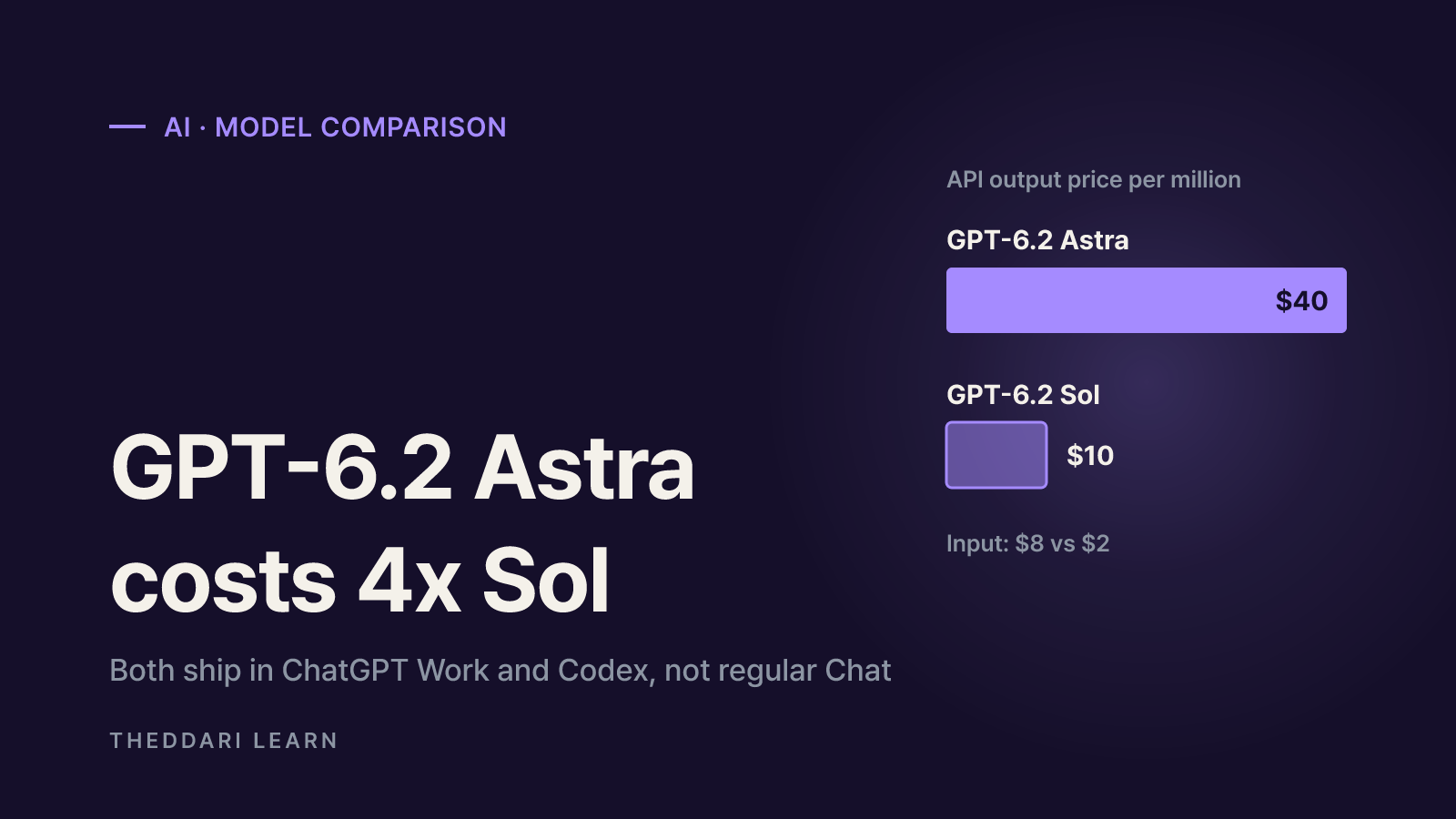
GPT-6.2 Astra is OpenAI's frontier model for hard professional work; GPT-6.2 Sol is the efficient everyday model. Astra costs 4x more per API token, and both ship in ChatGPT Work and Codex, not regular Chat.
 AI
What Is Vibe Coding? How It Works and Where It Breaks
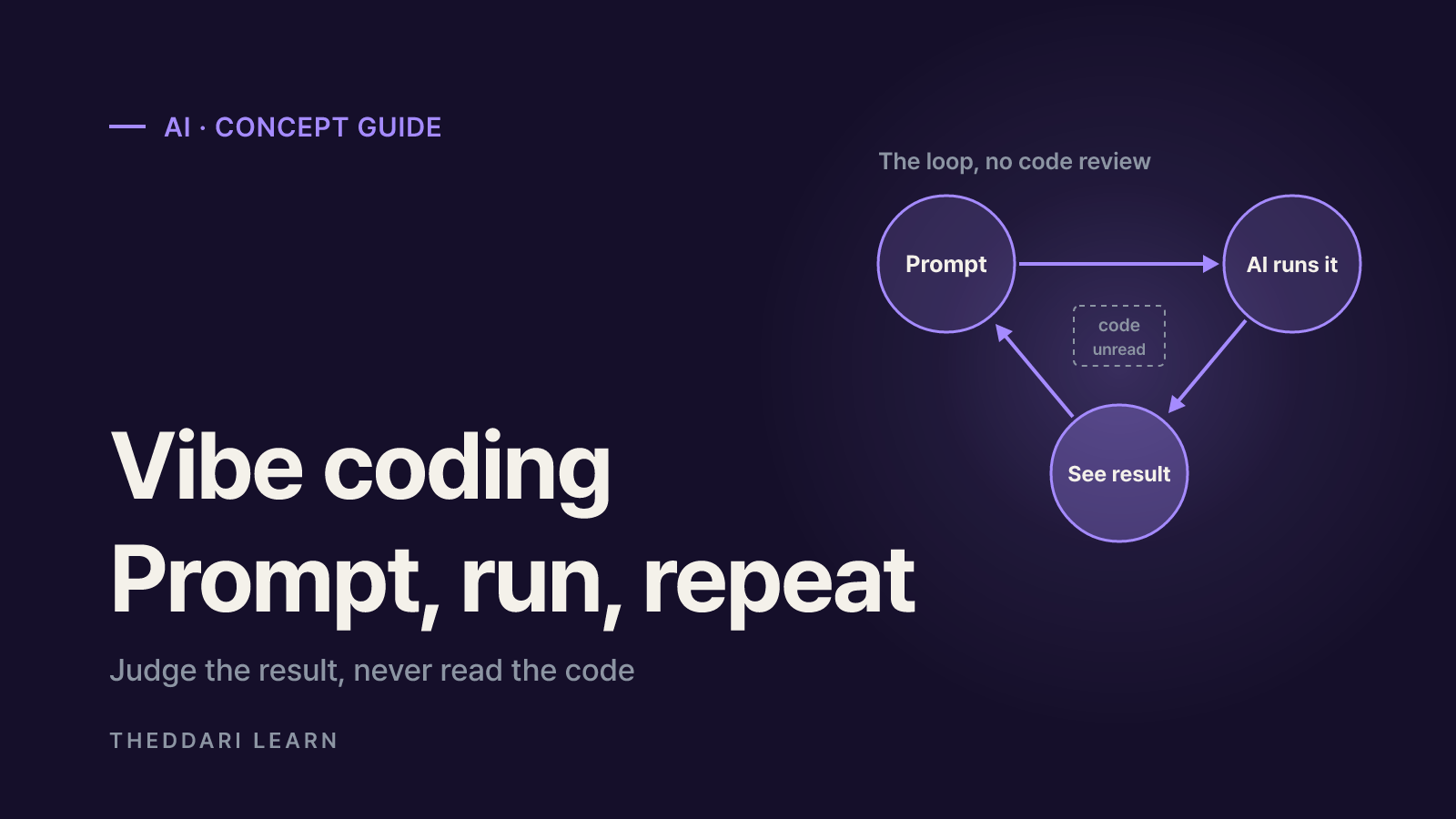
Vibe coding means building software by prompting an AI and judging only the result, never the code. Here is what it can realistically do, which tools fit which job, and where it fails.
 AI
Mem Shutting Down: How to Export Notes and Choose an App
Mem, the AI note-taking app, closes on January 15, 2027. Based on Mem's official notice and migration docs, here is what to download now, how to move to Obsidian, Notion, Bear or Evernote, and how to choose your next app.