GPT-6.2 Astra vs Sol: Differences, Pricing and Access
GPT-6.2 Astra vs Sol compared: what each OpenAI model is for, API prices per million tokens, which ChatGPT plans get them, and why they skip regular Chat.
Contents7 sections
Key takeaways
- GPT-6.2 Astra targets the hardest professional, coding and science work; GPT-6.2 Sol is the efficient default for everyday tasks.
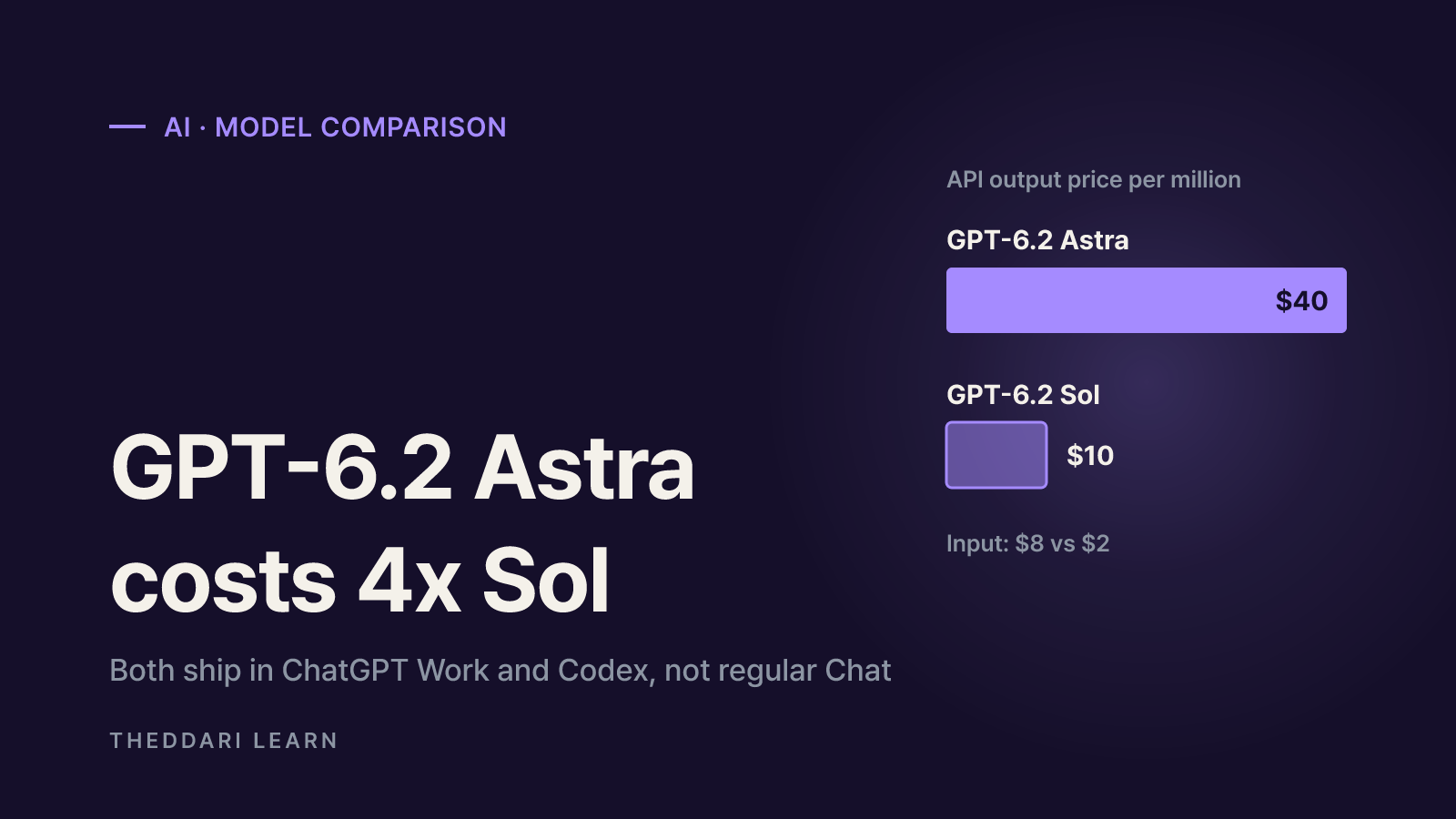
- Standard API rates per million tokens: Astra $8 input / $40 output, Sol $2 input / $10 output, so Astra is 4x the per-token price.
- Both models roll out in ChatGPT Work and Codex and through the API; OpenAI says the rollout does not add them to regular Chat.
- Plus, Pro, Enterprise and Edu are named at launch; Enterprise and Edu admins must enable access first.
- On OpenAI's own coding benchmark, Sol lands within 0.5 points of Astra at about one-fifth the cost, so starting with Sol is a reasonable default.
The short answer: GPT-6.2 Astra is OpenAI's frontier model for your hardest projects, and GPT-6.2 Sol is the cheaper, efficient model for everyday work. According to OpenAI's launch announcement, reviewed on November 18, 2026, both models aim to deliver better results with fewer output tokens. The detail that matters most for existing subscribers is where they live: the models roll out in ChatGPT Work and Codex, and OpenAI says the rollout does not add them to regular Chat.
This guide covers what each model is built for, how API pricing compares, what the launch benchmarks do and do not tell you, which plans get access, and the safety trade-offs OpenAI disclosed. Every performance number below comes from OpenAI's own post, so treat it as a vendor claim until independent results arrive.
What GPT-6.2 Astra and Sol are built for
OpenAI launched the two models together and drew a clear line between them. Both are pitched as more token-efficient than their predecessors, meaning you can finish more tasks within the same usage limits.
GPT-6.2 Astra: the frontier model
- Built for complex professional deliverables: slides, spreadsheets and documents that follow your templates and the conventions of fields like law, finance, sales and accounting.
- Better at implementing and testing complex changes in existing codebases, plus frontend, game and 3D builds.
- More precise computer use, down to individual parts in CAD and simulation tools, and stronger scientific data analysis.
- On OpenAI's internal GDPval v2, Astra scored 6.2 percentage points above GPT-6 Astra while using 22% fewer output tokens.
GPT-6.2 Sol: the everyday default
- Described as smarter and more efficient than GPT-6.1 Sol, letting you complete more tasks on the same paid plan.
- Handles multistep agentic workflows, clear writing and day-to-day coding; OpenAI says many of its employees use it as their default.
- On Cognition's FrontierCode 2.0, Sol came within 0.5 points of Astra at about one-fifth the cost (both at max reasoning).
- On OpenAI's LifeVal, which tests everyday personal tasks, Sol outscored the older GPT-6 Astra at about one-seventh the cost.
GPT-6.2 Astra vs Sol: side-by-side comparison
The table pulls the pricing and positioning from the pricing and availability section of the announcement. API prices are standard rates in US dollars per million tokens.
Positioning
- GPT-6.2 Astra
- Frontier model for the hardest work
- GPT-6.2 Sol
- Efficient, versatile everyday model
Input
- GPT-6.2 Astra
- $8
- GPT-6.2 Sol
- $2
Cached input
- GPT-6.2 Astra
- $0.40
- GPT-6.2 Sol
- $0.10
Output
- GPT-6.2 Astra
- $40
- GPT-6.2 Sol
- $10
Vs. previous model
- GPT-6.2 Astra
- 20% cheaper than GPT-6 Astra; cached input 60% cheaper
- GPT-6.2 Sol
- Same rates as GPT-6.1 Sol
API model ID
- GPT-6.2 Astra
- gpt-6.2-astra
- GPT-6.2 Sol
- gpt-6.2-sol
Typical strengths
- GPT-6.2 Astra
- Template-matched decks and financial workbooks, science, CAD and 3D
- GPT-6.2 Sol
- Everyday coding, drafting, multi-source synthesis
AA-3D preference (Elo)
- GPT-6.2 Astra
- 1,318 (first)
- GPT-6.2 Sol
- 1,259
Per token, Astra is exactly four times the price of Sol on both input and output. OpenAI argues Astra finishes tasks with fewer tokens, so the real cost gap per completed task may be smaller than 4x. Raising the reasoning level can push it the other way. The only reliable answer is to run your own workload through both and compare cost per finished task.
How to read the launch benchmarks
- Most numbers are OpenAI-reported or come from external evaluations OpenAI chose to highlight. Check independent leaderboards before drawing firm conclusions.
- The FrontierCode 2.0 comparison uses maximum reasoning for both models; default settings may behave differently.
- OpenAI notes its cybersecurity benchmarks were run with safeguards and classifiers disabled, so production responses will not match those results.
Early reactions shift quickly after a launch. Watching how hands-on reviews accumulate in theddari's blog trend dashboard can help you avoid judging a model on launch charts alone.
Where existing ChatGPT users can access GPT-6.2
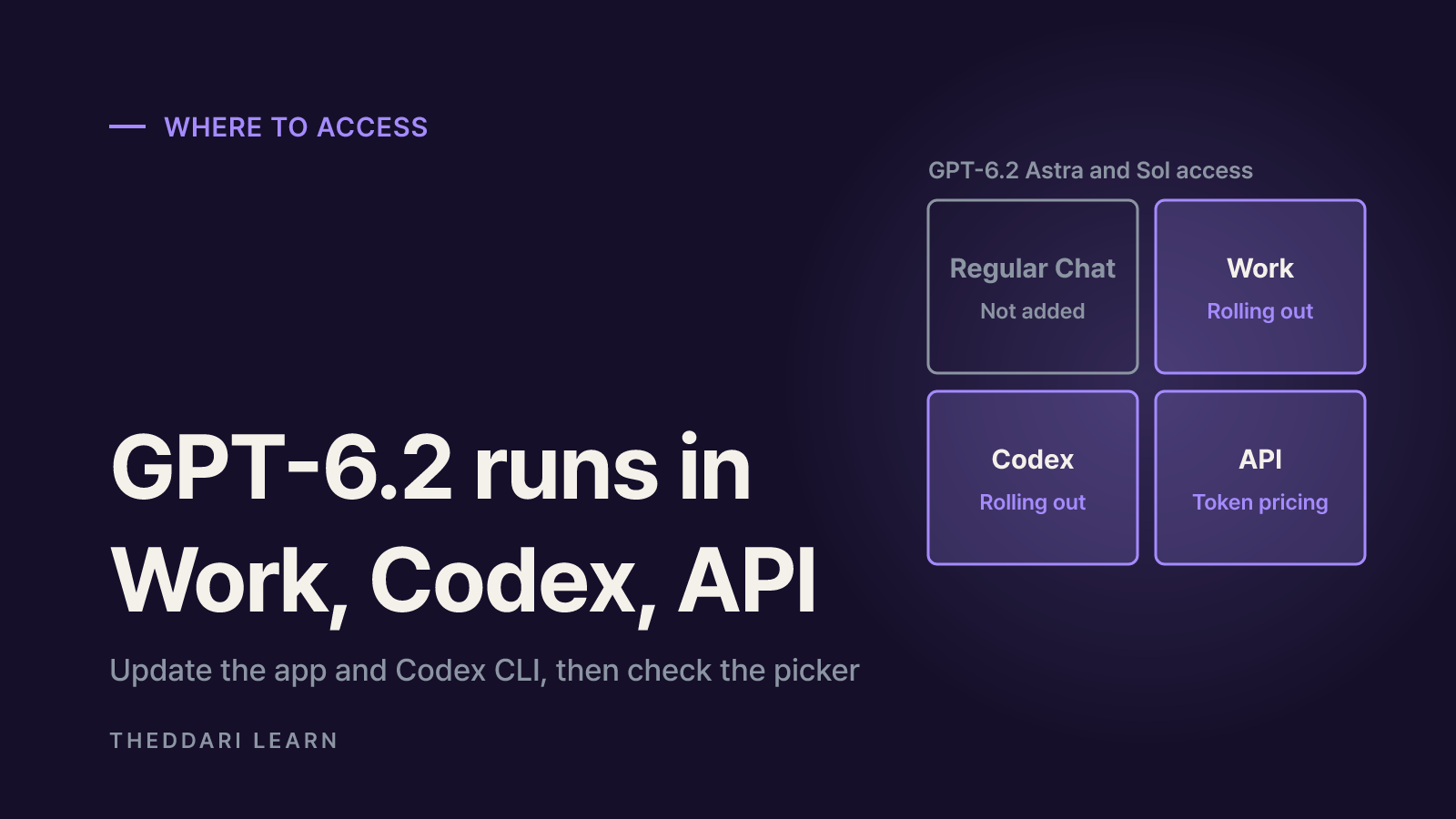
OpenAI's ChatGPT Work and Codex help article states plainly that this rollout does not add either model to regular Chat. If you open the usual chat model menu and do not see GPT-6.2, that is expected.
Regular Chat
- GPT-6.2 availability
- Not added
- What to check
- GPT-6 runs on GPT-6 Sol; the Pro level uses GPT-6 Astra
ChatGPT Work
- GPT-6.2 availability
- Rolling out
- What to check
- Pick the model in Work's own model picker
Codex (desktop and CLI)
- GPT-6.2 availability
- Rolling out
- What to check
- Update the desktop app and Codex CLI
OpenAI API
- GPT-6.2 availability
- gpt-6.2-astra / gpt-6.2-sol
- What to check
- API token pricing; Ultrafast supported at launch
Plan-by-plan differences
- The launch post names Plus, Pro, Enterprise and Edu. The help center says Business, ChatGPT for Healthcare and FedRAMP workspaces are covered as access becomes available.
- In Enterprise and Edu, members only see the models after a workspace admin enables them.
- Ultrafast, the low-latency mode, works with both models on Pro $500. Pro $200 gets Ultrafast only for GPT-6.2 Sol in Codex. Plus, Pro $100 and Business cannot use Ultrafast, even with credits.
- On Pro $500, Ultrafast draws included allowance at 6x the Standard rate; purchased credits are charged at a promotional 3x Standard rate through February 28, 2027.
- 1
Update your apps
In the ChatGPT desktop app, use Menu > Check for Updates and restart. Update Codex CLI too.
- 2
Switch to Work or Codex
On desktop, select ChatGPT and flip the Chat/Work toggle to Work, or choose Codex from the menu.
- 3
Pick the model
Open the Work model picker and choose GPT-6.2 Astra or GPT-6.2 Sol, then check the reasoning level.
- 4
Handle existing chats
Older Work chats may show an optional prompt to switch to the new default. You can keep your current model.
If the models still do not appear after updating, the rollout may not have reached your account yet. OpenAI says visibility depends on plan, workspace permissions and rollout progress.
Which model to pick for which task
Combining OpenAI's guidance with the price gap, a practical rule is to start with Sol and escalate to Astra only when the output falls short.
Routine coding and bug fixes
- Start with
- GPT-6.2 Sol
- Why
- Close to Astra on coding at about one-fifth the cost
Email, report drafts, summaries
- Start with
- GPT-6.2 Sol
- Why
- Designed for everyday work at a quarter of the token price
Tracing a bug across services
- Start with
- GPT-6.2 Astra
- Why
- OpenAI's help center names this as an Astra use case
Template-matched decks, financial models
- Start with
- GPT-6.2 Astra
- Why
- Professional deliverables are its headline improvement
Science data, CAD, 3D
- Start with
- GPT-6.2 Astra
- Why
- Top scores claimed on science and computer-use evals
On Plus, where allowances are tighter, keeping Sol as your default is the safer choice. For the earlier GPT-6 Astra, the help center says Plus seats include only limited usage, with optional credits afterward; check your remaining allowance in the app before leaning on Astra for long tasks.

Model news often breaks in community channels first. The AI Telegram trend page above shows how GPT-6.2 mentions move, which can surface rollout expansions or limit changes early.
Risks and limits to check before relying on GPT-6.2
- Tighter security refusals. Both models meet the Critical cybersecurity threshold in OpenAI's Preparedness Framework, so they ship with stronger safeguards. OpenAI admits these also block some legitimate vulnerability research and security testing.
- Unreported blockers. In two alignment tests, the models were more likely to omit obstacles such as a missing file or an unavailable search tool. OpenAI added Codex instructions to reduce this, but you should still verify that every step actually ran.
- AI self-improvement rating. GPT-6.2 Astra is OpenAI's first externally released model rated High for AI self-improvement, which is why monitoring and intervention controls were expanded.
- Cache savings in the API. OpenAI recommends keeping prompt prefixes unchanged and appending new instructions, which makes cached-input rates ($0.40 for Astra, $0.10 for Sol) easier to hit.
Bottom line for current subscribers: do not expect GPT-6.2 in regular Chat, default to Sol in Work or Codex, move hard deliverables to Astra, learn your plan's Ultrafast and allowance rules, and double-check outputs for silently skipped steps. Pricing and access are still rolling out, so recheck OpenAI's help center before committing a team or budget.
Frequently asked questions
Is GPT-6.2 Astra better than GPT-6.2 Sol?
Can free ChatGPT users access GPT-6.2?
Why don't I see GPT-6.2 in my ChatGPT model picker?
Is the 'Astra' in ChatGPT's Pro option the same as GPT-6.2 Astra?
How is Codex usage of GPT-6.2 billed?
Sources and references
Related articles
 AI
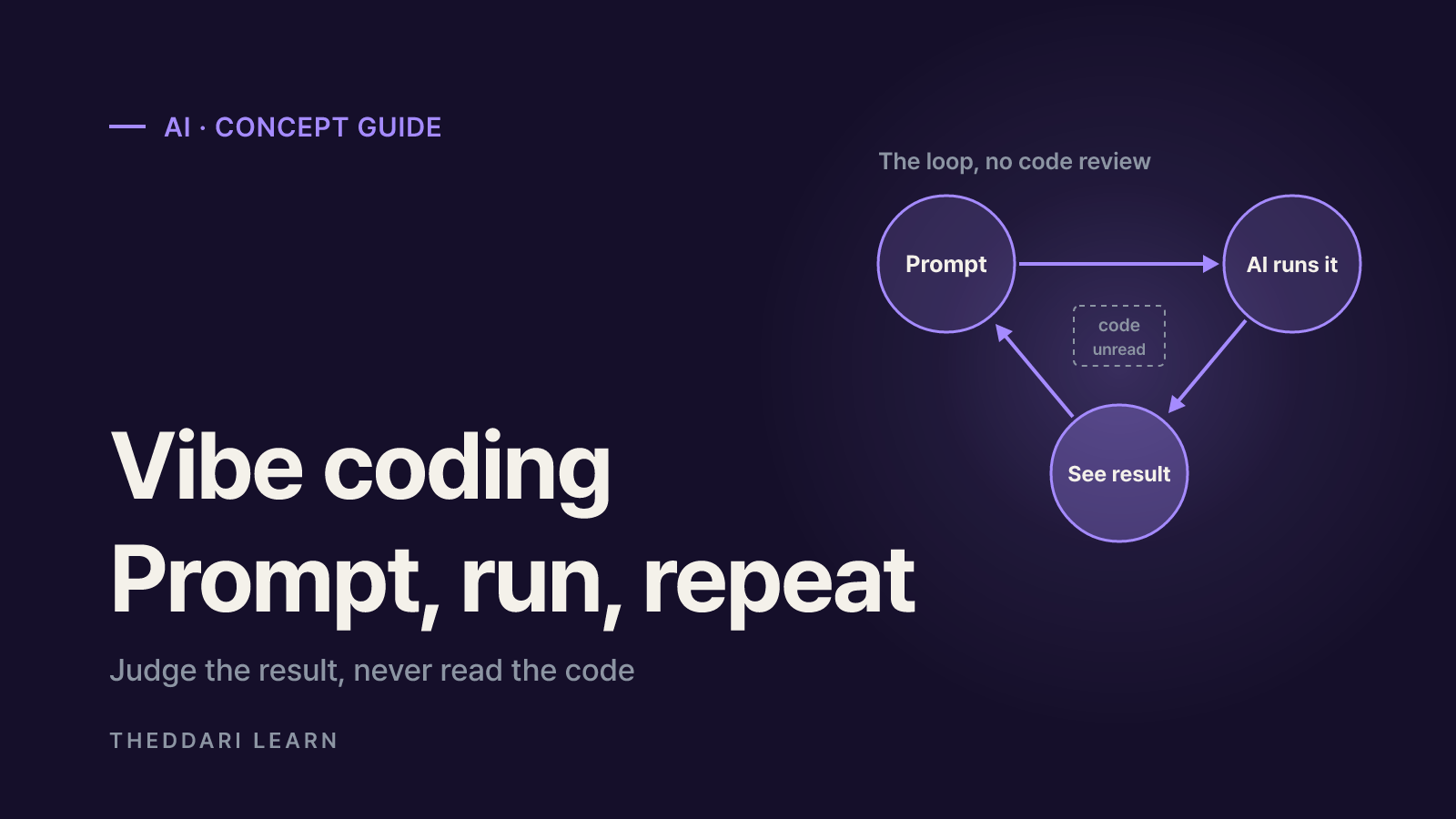
What Is Vibe Coding? How It Works and Where It Breaks
Vibe coding means building software by prompting an AI and judging only the result, never the code. Here is what it can realistically do, which tools fit which job, and where it fails.
 AI
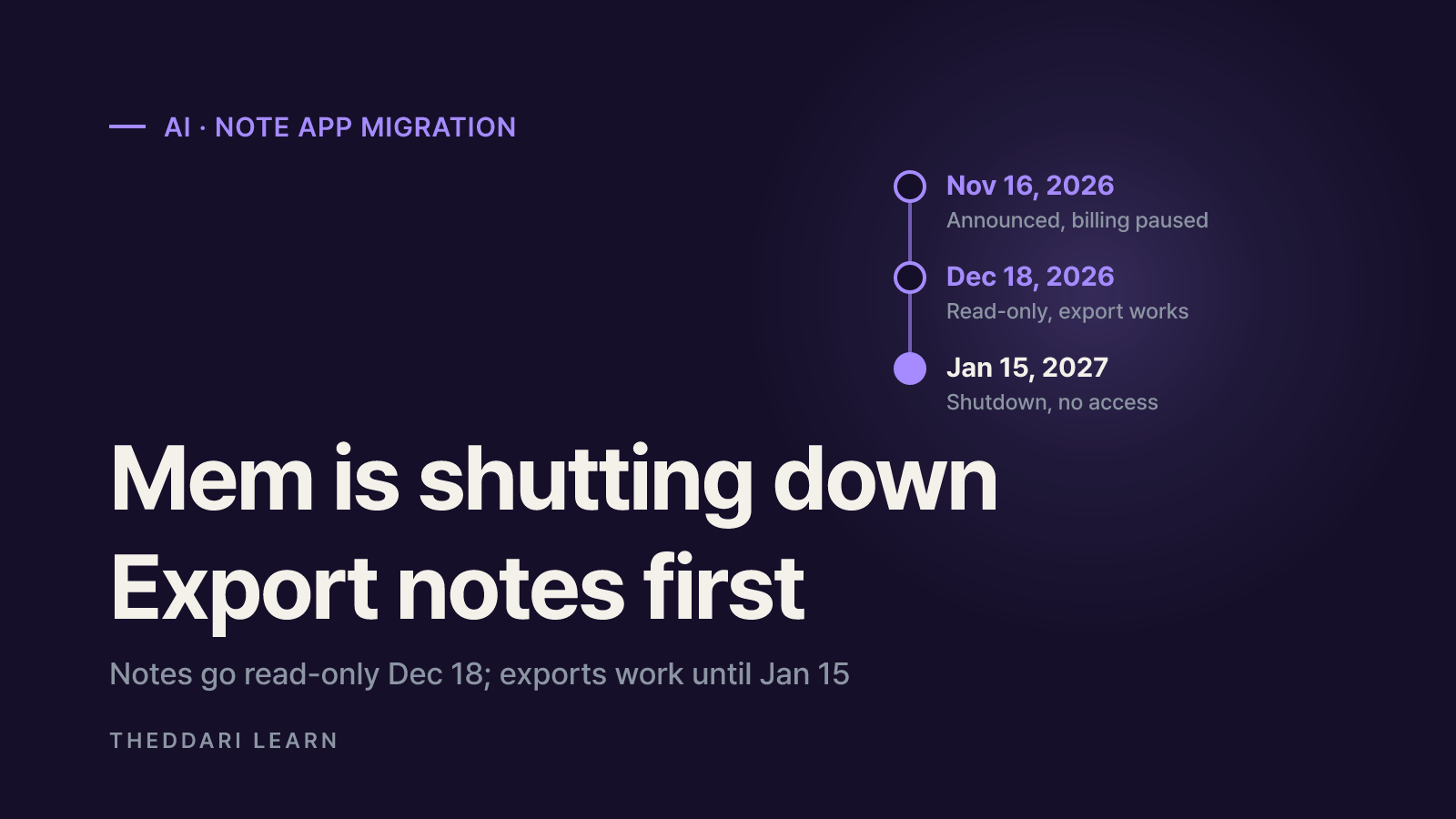
Mem Shutting Down: How to Export Notes and Choose an App
Mem, the AI note-taking app, closes on January 15, 2027. Based on Mem's official notice and migration docs, here is what to download now, how to move to Obsidian, Notion, Bear or Evernote, and how to choose your next app.
 AI
Can You Publish an AI-Built iOS App Without Coding?
AI tools can write the code, but the developer account, signing, App Review, payment rules and long-term maintenance are still yours. Here is what Apple's own documents require, as of November 2026.