Contents8 sections
- ChatGPT Office features launched in fall 2026
- OpenAI vs Microsoft Office and Copilot: the real differences
- File compatibility and export checks
- Data security, training settings and admin controls
- A practical checklist before moving work off Office
- When Office is still the better choice
- Frequently asked questions
- Sources and references
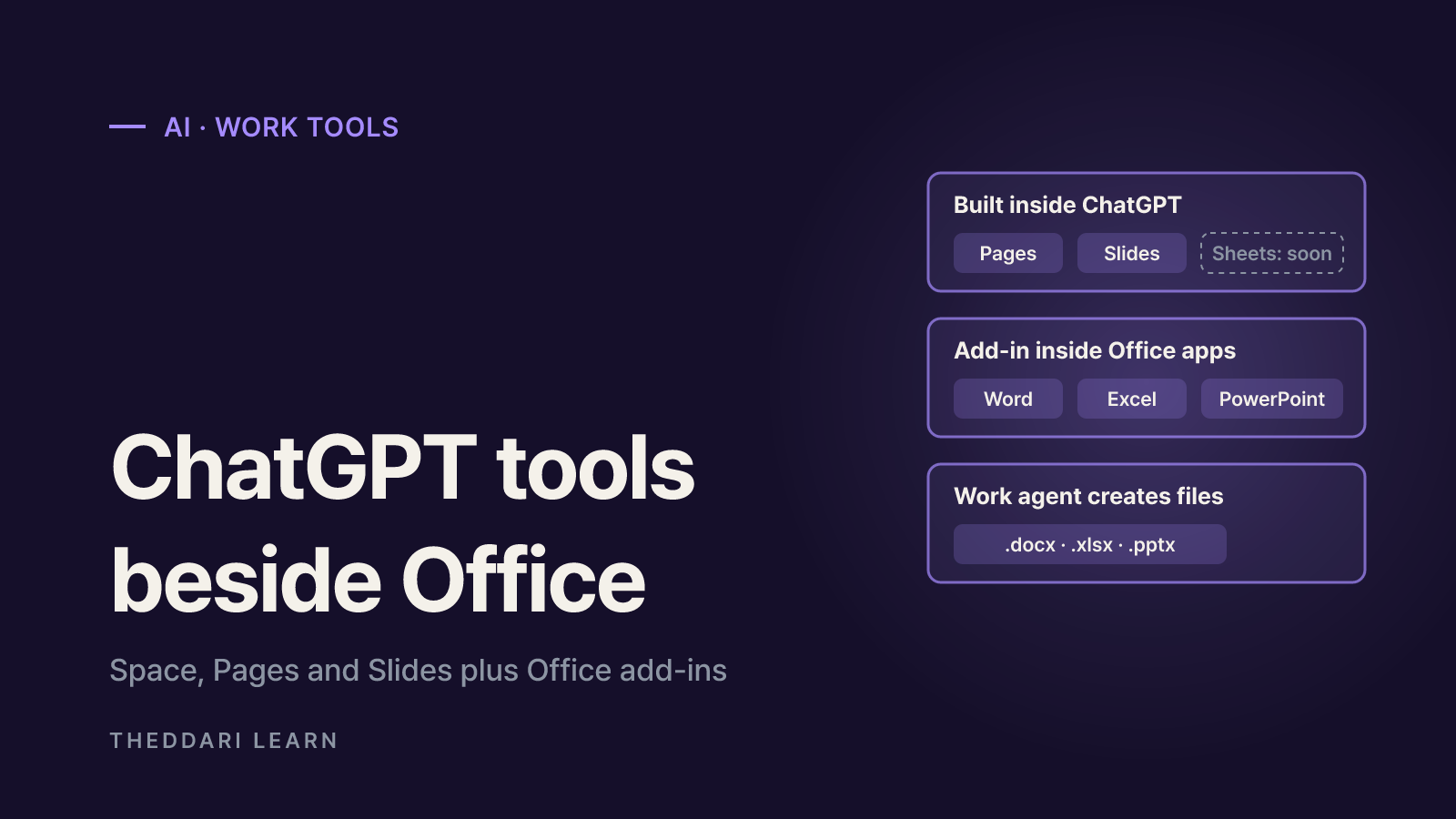
The new ChatGPT Office features are not a full replacement for Microsoft Office, at least as of October 2026. At DevDay on September 29, 2026, OpenAI introduced a shared workspace called Space, a document editor called Pages and collaborative Slides. A spreadsheet tool, Sheets, is still listed as coming soon, and OpenAI's add-ins for Word, Excel and PowerPoint actually run inside Microsoft's apps. A more useful question than "can it replace Office?" is "which work belongs where?" This guide compares features, file compatibility, collaboration, pricing and data controls using OpenAI's help center and Microsoft's official blog, both checked in October 2026.
ChatGPT Office features launched in fall 2026
According to TechCrunch's DevDay report, OpenAI rolled out a batch of tools aimed squarely at office workers. It helps to sort them into three groups. The first is Space, Pages and Slides, where documents are created and shared inside ChatGPT. The second is the ChatGPT add-in that sits inside existing Office apps. The third is the Work agent, which takes instructions and produces finished files. All three get described as "ChatGPT documents," but they differ in where a file is created and where it lives, which is the distinction that matters most when you compare them with Office.
Space and Pages: a document home inside ChatGPT
OpenAI's Space guide describes Space as a home for pages, uploaded files and other work. A page is an editable document that several people can edit in real time, with each person asking their own ChatGPT for help. Pages can also hold charts, trackers and interactive tools that ChatGPT builds, which goes beyond a typical word processor file. The catch is availability: creating and editing in Space requires a Pro, Business or Enterprise plan. Mobile apps can read and share pages but cannot edit them, and Space is still coming soon for Business and Enterprise workspaces with data residency in Canada or the United Arab Emirates.
Slides is rolling out; Sheets is not here yet
The ChatGPT Slides help page says Slides is rolling out to Pro, Business and Enterprise plans with Space access. You can edit text, images, shapes, tables and charts directly, select an element and request an AI edit, or co-edit the same deck with teammates. One launch limitation: comment-only access is not available. Meanwhile, the Space guide lists Sheets only as coming soon. In practice, ChatGPT has no native spreadsheet of its own yet, so number-heavy work still lives in Excel or Google Sheets for now.
The Work agent and the Office add-in
OpenAI's Work documentation says Work can create or edit documents, spreadsheets, presentations and reports, and can match an existing file, master deck or saved template. Templates start from a .docx, .xlsx or .pptx file or a Google Workspace link. With the right Google app connected, Work can produce native Google Docs, Sheets and Slides, but PowerPoint is not part of the desktop Work flow at launch. On the Microsoft side, Word, Excel and PowerPoint share one ChatGPT add-in that opens in a sidebar next to the file you have open.
OpenAI vs Microsoft Office and Copilot: the real differences
The biggest difference in any Copilot comparison is where your files live. In an October 9, 2026 blog post, Microsoft said it is bringing Word, Excel and PowerPoint editing into the Copilot app, with every file stored in OneDrive so formatting, comments, sharing permissions, version history and security labels carry over. That rollout started with Frontier customers in Chat and Cowork. ChatGPT takes the opposite route: its pages and decks live in Space, and it reaches Office either by exporting files or by running as an add-in inside Microsoft's apps.
Documents
- ChatGPT (Space, Work, add-ins)
- Pages in Space; Word add-in
- Microsoft Office + Copilot
- Word; Word inside the Copilot app
Spreadsheets
- ChatGPT (Space, Work, add-ins)
- Sheets coming soon; Excel and Google Sheets add-in
- Microsoft Office + Copilot
- Excel; Excel inside the Copilot app
Presentations
- ChatGPT (Space, Work, add-ins)
- Slides (rolling out); PowerPoint add-in
- Microsoft Office + Copilot
- PowerPoint; PowerPoint inside the Copilot app
Storage
- ChatGPT (Space, Work, add-ins)
- Space, Library or local folders
- Microsoft Office + Copilot
- OneDrive
Live collaboration
- ChatGPT (Space, Work, add-ins)
- Co-editing and comments on Pages and Slides
- Microsoft Office + Copilot
- Coauthoring, comments and presence
Access
- ChatGPT (Space, Work, add-ins)
- Varies by feature; add-ins start on Free
- Microsoft Office + Copilot
- Office in Copilot rolling out to Frontier first
Treat the access row as a starting point. ChatGPT for Word is available on every plan, including Free. ChatGPT for Excel and Google Sheets reaches Free and Go users with limited usage, while Plus and Pro use it within their plan's agentic usage limit. Microsoft's Office-in-Copilot experience is also expanding in stages. Menus can look different on a personal account than in a company workspace, so confirm what you actually see before planning a switch.
Pricing: usage limits matter as much as the subscription
The ChatGPT for Word help page says Word uses token-based pricing at the API rates for the model you choose, and on plans that include it, Word draws from the same allowance as Codex and other premium features. Frequent edits to long documents can therefore leave less room for other agent tasks. OpenAI's Excel documentation adds that larger workbooks, multi-step edits and complex analysis use more of the limit. Comparing monthly prices alone misses this; estimate how much document and spreadsheet work you will run through the AI.
File compatibility and export checks
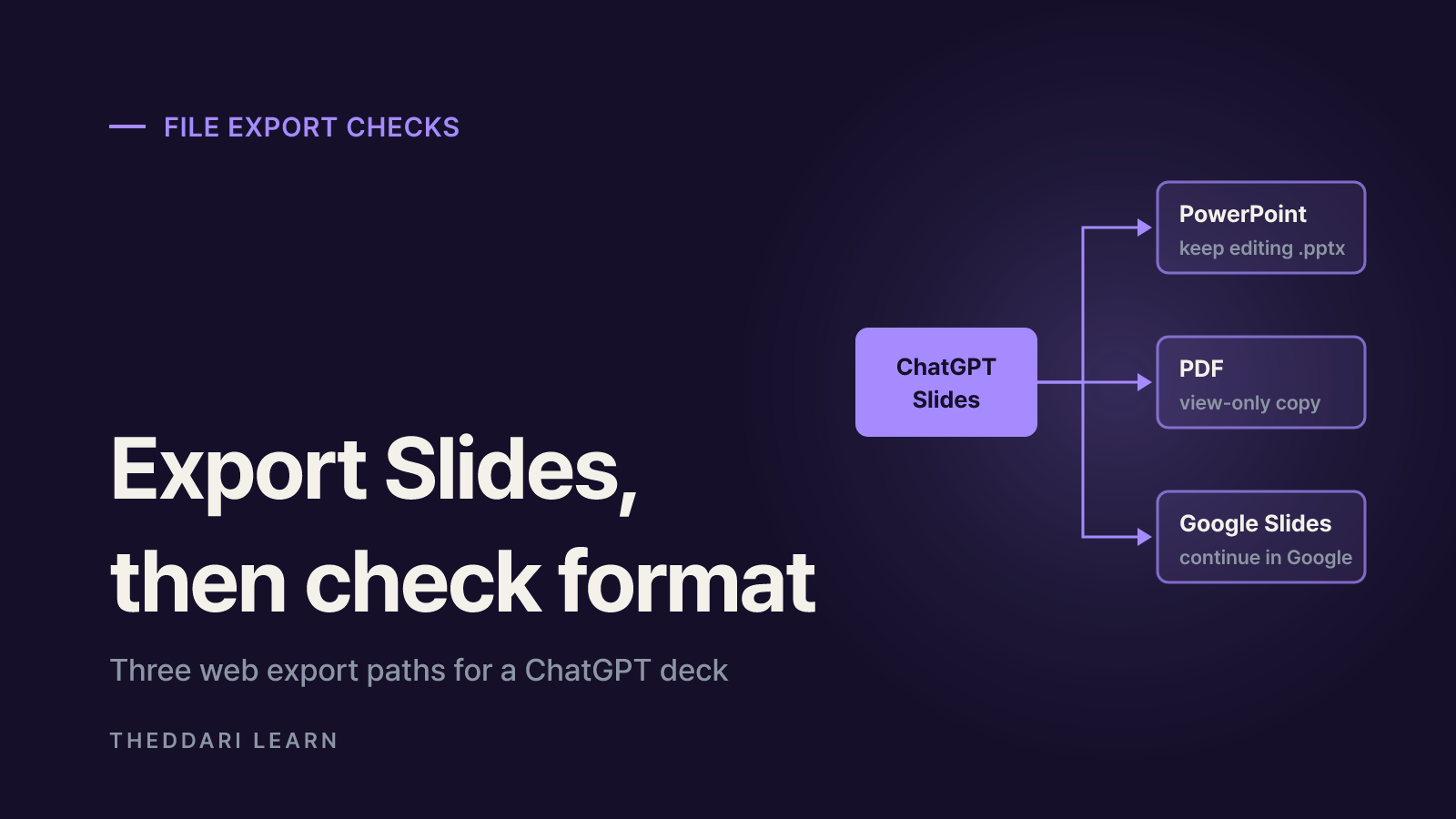
If you trade files with clients or other departments, export quality decides whether ChatGPT can stand in for Office. ChatGPT Slides can export on the web to PowerPoint (.pptx), PDF or Google Slides, and decks can be opened in PowerPoint or Keynote when installed. OpenAI explicitly tells users to open exported files and check content and formatting. On Windows desktops without the required MXC component, local AI slide work falls back to .pptx files instead of collaborative Slides, and Windows 10 does not support that component. Older company PCs may therefore behave differently from a new laptop.
The add-ins have documented limits too. The Word add-in may need manual fixes for complex formatting, tables and charts, and it cannot reference other files on your computer beyond the open document. The Excel add-in may not fully support VBA and macros, and spreadsheet chats do not sync with your main ChatGPT history or Memory. The PowerPoint add-in also warns that template matching and advanced edits may need review. The common advice across these pages is to duplicate important files before large edits and to check formulas, figures and citations before sharing.
- Ask whether clients require original .docx or .xlsx files.
- Flag workbooks that rely on macros, VBA or other automation.
- Test whether your master slides and fonts survive an export round trip.
- For desktop work, confirm your operating system and component requirements.
Data security, training settings and admin controls
The Space guide stresses that anything written on a shared page is visible to everyone who can view it. If ChatGPT summarizes a source onto a shared page, readers see that summary even without access to the original file. Each collaborator's training and Memory settings also apply: if you turn training off but a collaborator has it on, your contributions may still be used for training through their interaction. OpenAI adds that it does not train on ChatGPT Business or Enterprise data by default. That makes sharing company material through personal plans the riskier setup.
OpenAI's Excel page notes that under Microsoft's add-in marketplace terms, Microsoft may be able to read workbook content, attachments and prompts, and that some data logs may be stored with OpenAI for 30 days for safety and integrity purposes. In managed environments, a Microsoft 365 admin must allow the ChatGPT add-in before it appears in Word, and ChatGPT admins can turn Word access on or off. Because the Word add-in became enabled by default starting October 1, 2026, IT teams should confirm that this matches their policy.
A practical checklist before moving work off Office
- 1
Sort your work into three buckets
Separate notes and briefs that stay inside ChatGPT, Office files you exchange with others, and spreadsheets with formulas or macros. Only the first bucket is a good trial for Pages and Slides; the others are safer with the add-in assisting inside Office.
- 2
Confirm plan and rollout status
Check in your own account whether a feature is included in your plan or still rolling out. Space and Slides target Pro, Business and Enterprise, and Sheets is still listed as coming soon.
- 3
Run a round-trip test
Recreate one real company template in Slides, export it to .pptx and compare fonts, masters and charts in PowerPoint. For Excel, duplicate a workbook, edit it with the add-in and review every changed cell.
- 4
Align sharing and training settings
Decide how sensitive the shared content is, then check collaborators' plans, training settings and your admin policies. Keep customer data within what your organization has approved.
Features and pricing for AI work tools change often after launch. Theddari's AI Telegram trends and blog trends pages show how OpenAI and Microsoft announcements are being discussed, which helps you spot changes early. Use them to find topics, then confirm whether a feature exists in OpenAI's help center or release notes rather than treating trend chatter as evidence.
 theddari.comTrendsBlog PostsSummarized Naver blog posts
When Office is still the better choice
Overall, OpenAI's move looks less like an attempt to delete Office and more like a two-sided strategy: build a new workspace outside Office while also living inside it. If your work depends on macro-driven finance models, documents that must follow an external template, a fleet of older Windows PCs or editing on mobile, keeping Office remains the practical option. Meeting notes, project briefs and internal decks that begin in a ChatGPT conversation and stay within a team are reasonable candidates to try in Pages and Slides. Either way, both OpenAI and Microsoft tell users to review AI-edited numbers, citations and formatting before sharing.