How to Buy ETFs: Step-by-Step Through a Brokerage App
Learn how to buy ETFs in a brokerage app: open an account, fund it, find the ticker, check the expense ratio and spread, then choose a market or limit order.
目录8 个章节
核心要点
- To buy an ETF you need a brokerage account, cash in that account, the fund's ticker, and an order (usually market or limit).
- A market order prioritizes execution and does not lock in the price; a limit order caps the price you pay but may not fill.
- ETF fees are deducted from the fund's net asset value, so you pay them indirectly; commissions and the bid-ask spread are separate costs.
- An ETF's market price can trade at a premium or discount to its NAV, especially near the open or when the underlying market is closed.
- Account types, trading hours, currencies and taxes depend on your country and broker, so check those locally before you trade.
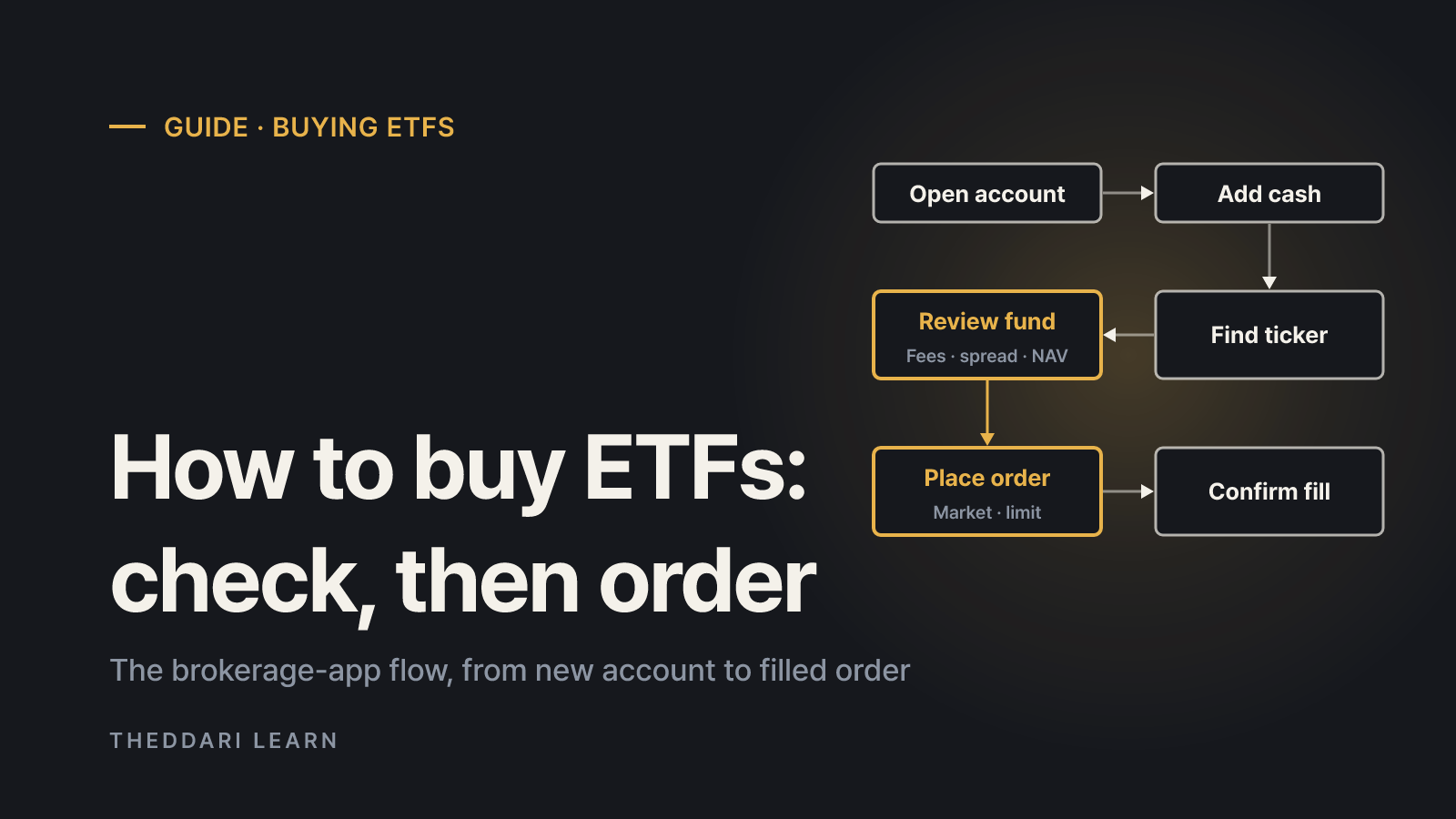
Here is how to buy ETFs in short: open a brokerage account, move money into it, search for the fund by name or ticker in your broker's app, review the fund, and place a buy order, usually a market order or a limit order. The mechanics are almost identical to buying a stock. The difference is that an ETF is a fund, so a few checks before you tap "buy" matter more: what the fund holds, what it costs, how wide the bid-ask spread is, and whether the price is close to the fund's net asset value. This guide describes the general workflow as of October 2026. Menu names differ between apps such as Fidelity, moomoo, Wealthsimple or Zerodha, and rules differ between countries, so treat the steps as a checklist rather than a screen-by-screen script.
What you are actually buying when you buy an ETF
The SEC's investor education site, Investor.gov, describes an ETF as a pooled investment product that invests in stocks, bonds, other assets or a mix, with each share representing part ownership of the fund's portfolio. ETFs trade on stock exchanges at market prices that may or may not equal the fund's net asset value (NAV), and investors usually trade them through a brokerage account. Investor.gov also notes that ETFs are not insured or backed by the FDIC or any other government agency, and you can lose some or all of the money you invest.
That combination explains the rest of this guide. You buy an ETF like a stock, through an order on an exchange. You evaluate it like a fund, by reading what it owns, how it is managed and what it charges. Skipping the second half is the most common beginner mistake, because two funds with similar names can hold very different portfolios.
How to buy ETFs in a brokerage app: six steps
- 1
Open a brokerage account
Most brokers let you apply online with identity documents and a linked bank account. Decide which account type you want first. Many countries offer both ordinary taxable accounts and tax-advantaged retirement or savings accounts, and each has its own contribution limits, withdrawal rules and eligible investments.
- 2
Fund the account
Transfer cash from your bank. Check the buying power or cash available to trade figure, since deposits can take time to clear, and leave room for any commission.
- 3
Find the ETF by ticker
Search by fund name or ticker symbol. Read the full name: issuer, index, currency hedging, and words like leveraged, inverse or 2x all change what you are buying. Confirm the exchange too, because similar funds can be listed in several markets and currencies.
- 4
Review the fund
On the fund page or the issuer's website, check the objective, benchmark, top holdings, expense ratio, assets under management and trading volume. Investor.gov recommends reading the prospectus and the most recent shareholder report before investing.
- 5
Place the order
Tap buy, choose the account, the order type, a limit price if needed, and the quantity or dollar amount. Review the confirmation screen, including the estimated cost, before submitting.
- 6
Confirm the fill
Open your orders or activity page to see whether the order filled fully, partly or not at all. Unfilled day orders typically expire at the close; good-til-canceled orders stay open for a broker-defined period.
ETF order types: market vs. limit
Investor.gov's guide to order types gives the key definitions. A market order is an order to buy or sell immediately; it is designed to execute, but the execution price is not fixed in advance. A buy market order generally fills at or near the current ask, and the last traded price shown in your app is not necessarily the price you will receive. A limit order buys or sells at a specific price or better, so a buy limit only executes at your limit or lower. The trade-off is that a limit order may not fill at all if the market moves away.
Prioritizes
- Market order
- Speed of execution
- Limit order
- Price control
Price
- Market order
- Not fixed in advance
- Limit order
- Your limit or better
Fill
- Market order
- Usually fills if there are offers
- Limit order
- May not fill
Watch out for
- Market order
- Wide spreads, thin trading, fast markets
- Limit order
- Price moving away from your limit
Stop orders also exist. Investor.gov explains that a stop order becomes a market order once the stop price is reached, so the execution price can differ from the stop. For a first ETF purchase, understanding market and limit orders is usually enough. A practical habit is to look at the current bid and ask before ordering. If the gap is wide or the quoted size is small, setting a limit price makes your cost predictable.
Expense ratio, commissions and the spread
ETF costs fall into two groups. Ongoing fund expenses are covered by the expense ratio. Investor.gov notes that funds deduct fees and expenses from NAV, which means you pay them indirectly rather than as a line item in your account, and that even small fee differences can add up to large differences in returns over time. Trading costs are separate: a brokerage commission if your broker charges one, the bid-ask spread you cross when you trade, and currency conversion if you buy a fund listed in another currency.
- Expense ratio: shown on the fund page, the issuer's website and the prospectus fee table.
- Commission: in your broker's pricing schedule, which can vary by account and asset.
- Bid-ask spread: visible on the order ticket as the difference between bid and ask.
- Currency conversion: in your broker's foreign exchange terms, separate from exchange-rate risk.
Timing, NAV premiums and other cautions
Premiums, discounts and the opening minutes
Because an ETF trades at a market price, Investor.gov warns that you may pay more or less than NAV when buying. Gaps tend to widen when liquidity is thin. Korea's market offers a concrete example: Samsung Asset Management's Kodex guide explains that liquidity providers quote both sides near the fund's indicative NAV (iNAV), but are not required to quote during the call auctions or the first five minutes after the 9:00 a.m. open. Prices can swing sharply in those windows. Other markets have their own market-making arrangements, but the lesson travels: compare the price with the indicative value, and be careful right after the open or when the fund's underlying market is closed.
Leveraged, inverse and similarly named funds
Leveraged and inverse ETFs generally target a multiple of an index's daily return. Over longer periods, compounding can make their results differ from that multiple of the index's cumulative move. Read the prospectus before buying anything labeled 2x, 3x, ultra, short or inverse, and do not assume it behaves like a broad index fund.
Taxes and account rules are local
Tax treatment depends on where you live, where the fund is domiciled and which account holds it. As one example of how much this varies, Shinhan Securities' ETF guide, reviewed in June 2026, explains that Korean residents face different rules for domestic equity ETFs, other Korea-listed ETFs and ETFs listed abroad. Do not apply one country's rules to another. Check your tax authority and broker for current guidance.
Plan around scheduled market events
ETF prices follow their holdings, so quotes can move quickly around major economic releases or earnings reports from large holdings. Knowing the schedule helps you decide when to place an order and which order type to use. The theddari economic calendar lists scheduled macro releases, and the earnings calendar lists company report dates. These tools show timing, not price direction, so cross-check important dates with the official publisher.

Buying an ETF takes only a few taps, but the useful work happens before the order. Write down the ticker, exchange, index, expense ratio, typical spread and the order type you plan to use. Keeping that short note makes your next purchase faster and easier to compare, whichever broker or country you trade in.
常见问题
How much money do I need to buy an ETF?
Should I use a market order or a limit order for an ETF?
Is the ETF with the lowest expense ratio always the cheapest to own?
Does buying an ETF work the same in Canada, Singapore, Australia or India?
来源与参考资料
- 1Investor.gov (SEC): Exchange-Traded Funds (ETFs)(在新标签页中打开)www.investor.gov
- 2Investor.gov (SEC): Types of Orders(在新标签页中打开)www.investor.gov
- 3Samsung Asset Management Kodex: Liquidity Providers (Korean)(在新标签页中打开)www.samsungfund.com
- 4Shinhan Securities: ETF Guide (Korean)(在新标签页中打开)open.shinhansec.com
相关文章
 投资指南
Stock Market Circuit Breakers and Sidecars: US vs Korea
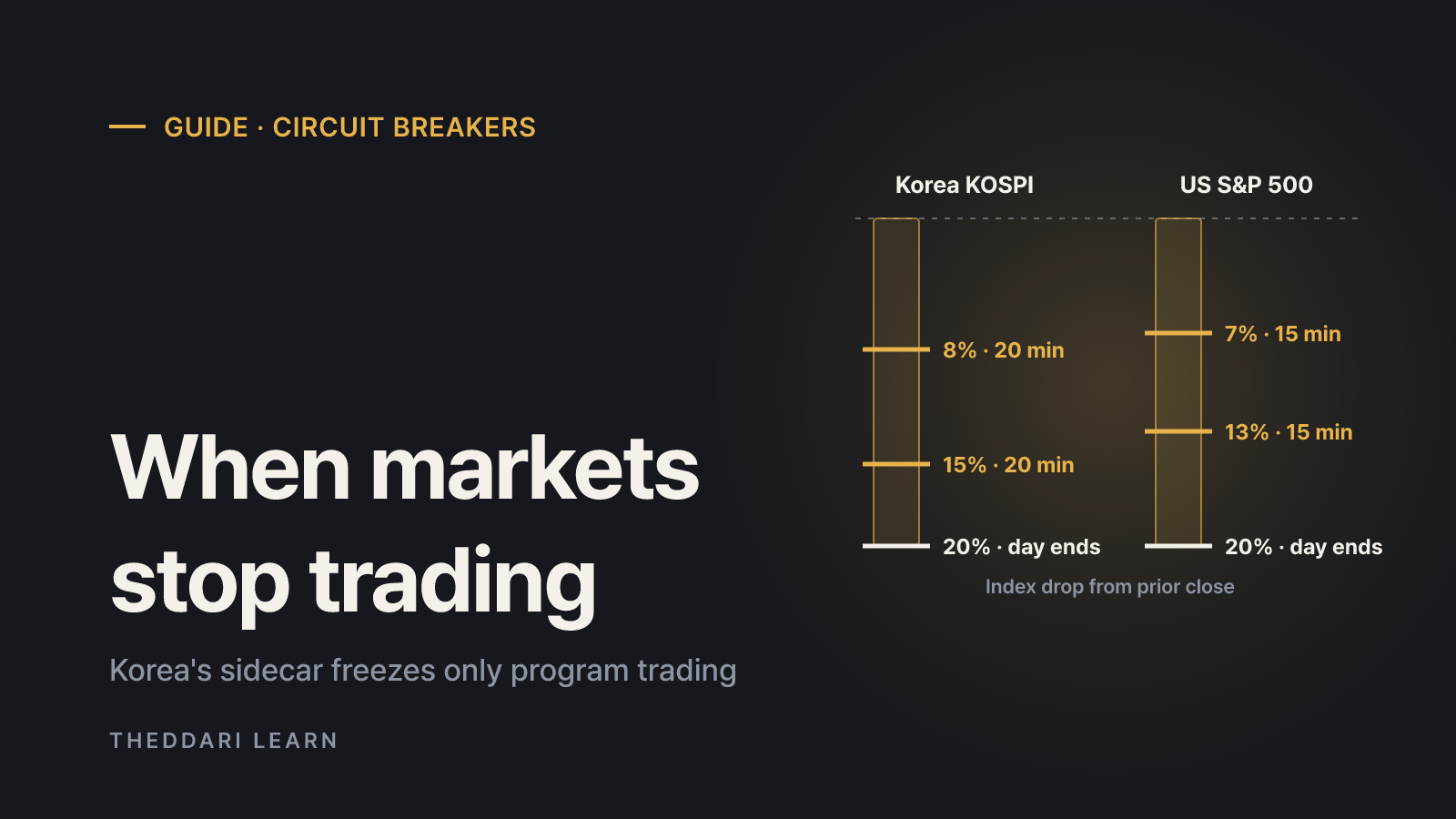
US market-wide circuit breakers halt all trading when the S&P 500 drops 7%, 13% or 20%. Korea uses 8%, 15% and 20% thresholds plus a sidecar that freezes only program trading. Here is how each rule works and what happens to your orders.
 投资指南
Pension Withdrawal Order in Korea: How IRP Money Is Taxed
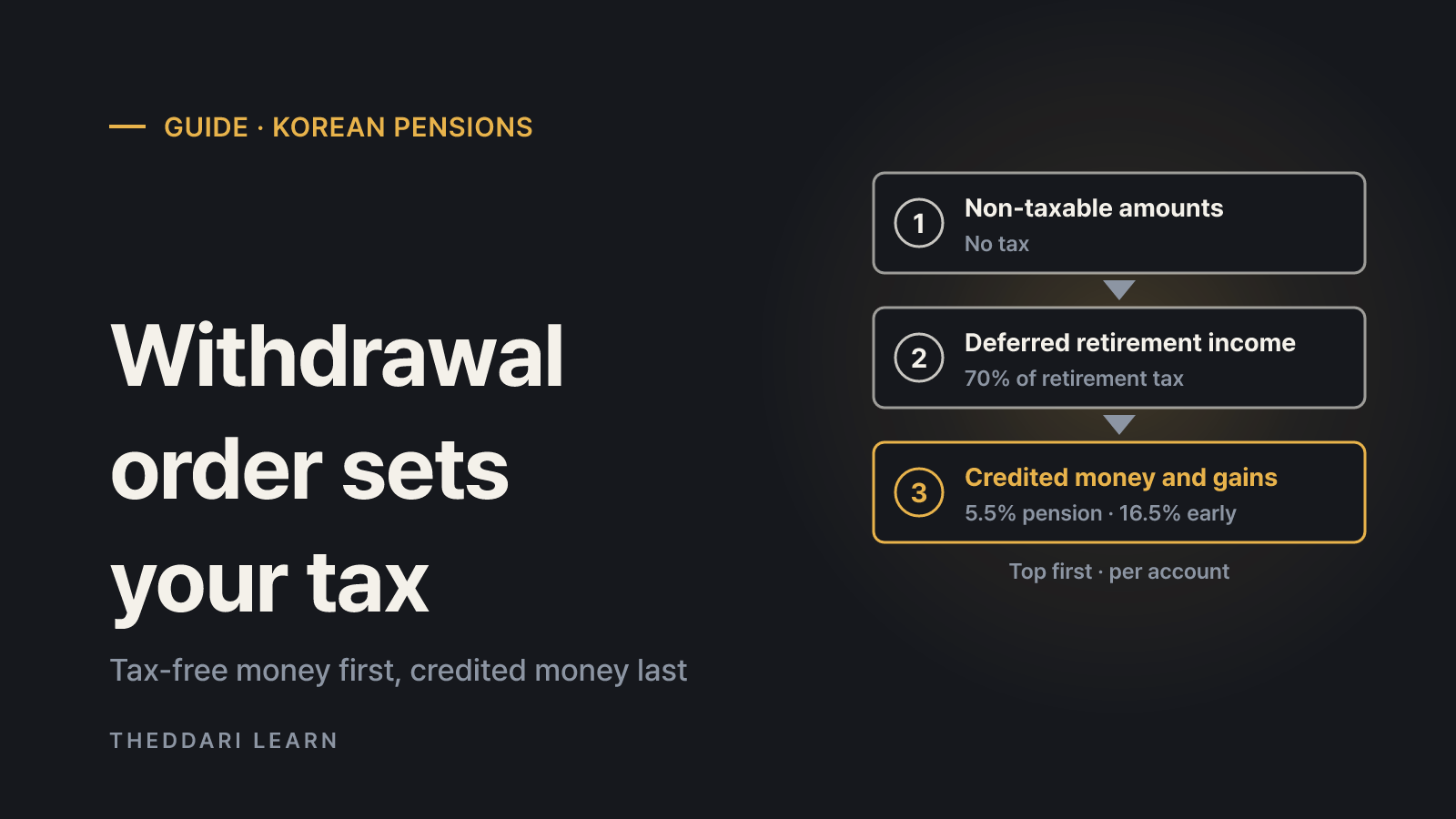
When you take part of the money out of a Korean pension savings account or IRP, the law decides which money left first, and each part is taxed differently. A November 2026 guide to the withdrawal order, rates and exceptions for Korean tax residents.
 投资指南
How to Buy ETFs in Singapore: CDP vs Custodian and Fees
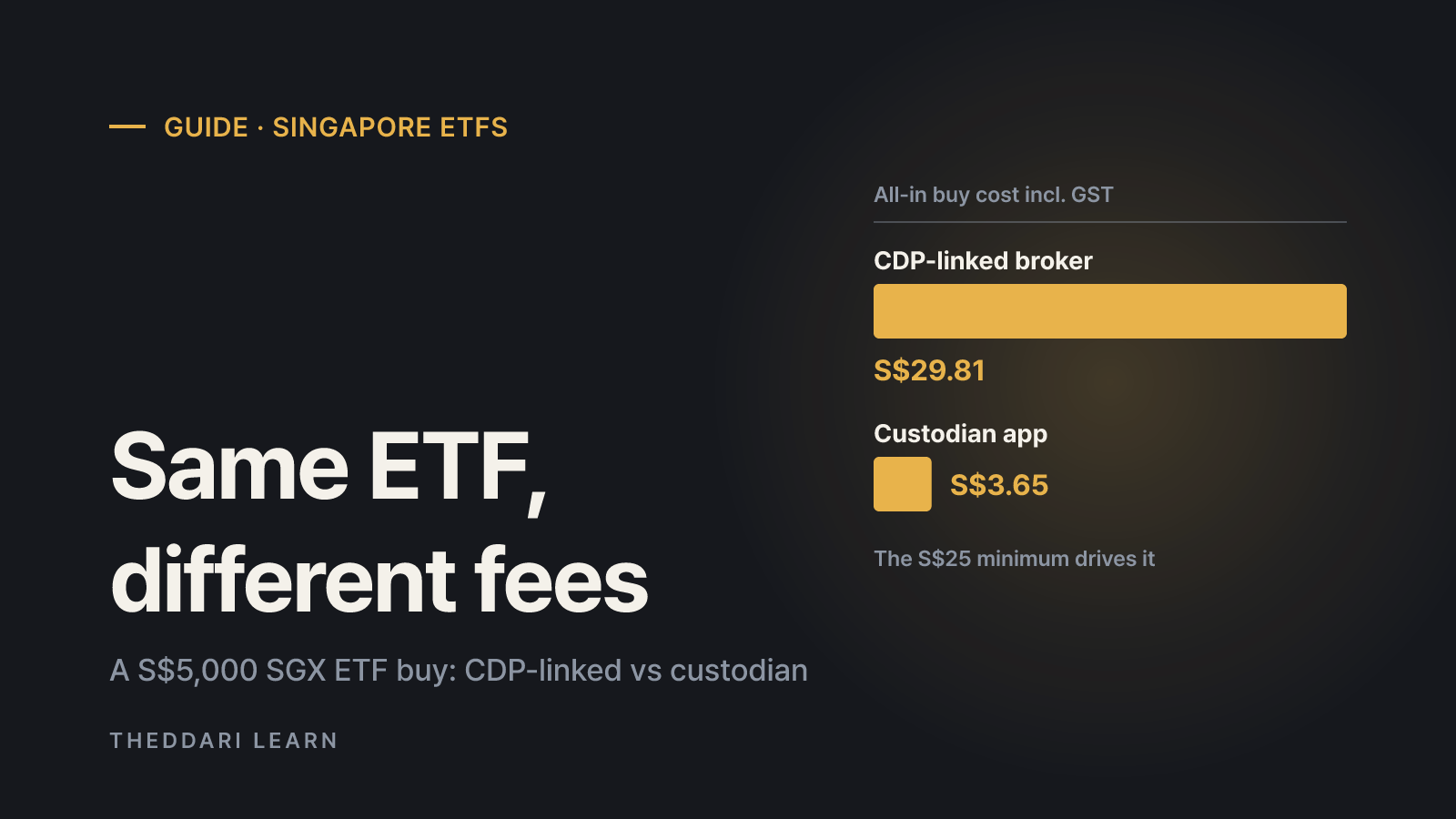
A practical guide for Singapore residents: how SGX-listed and US-listed ETFs are held, what the CDP rule changes of July 2026 mean for custodian accounts, and what a trade really costs at different order sizes.