Open Source AI Video and Image Generators: How to Compare Licenses, VRAM and Use Cases
Compare free open source AI video and image generators by license, commercial-use limits, VRAM needs and quantized builds before you download or ship anything.
目次6セクション
要点
- Pick an open source AI video generator by license first, hardware second and output quality third. A free download does not mean free commercial use.
- As of October 2026, Wan 2.2 and FLUX.1 schnell ship under Apache-2.0, the least restrictive terms in this comparison.
- LTX-2.5 is free for commercial use below USD 10 million in annual entity revenue; larger organizations need a paid agreement.
- The HunyuanVideo 1.5 license does not apply in the European Union, the United Kingdom or South Korea.
- Qwen-Image 2.1 Turbo is released under a research license that allows non-commercial research and evaluation only.
- Quantized builds and CPU offloading lower VRAM needs, but cost you speed, some quality and a lot of system RAM.
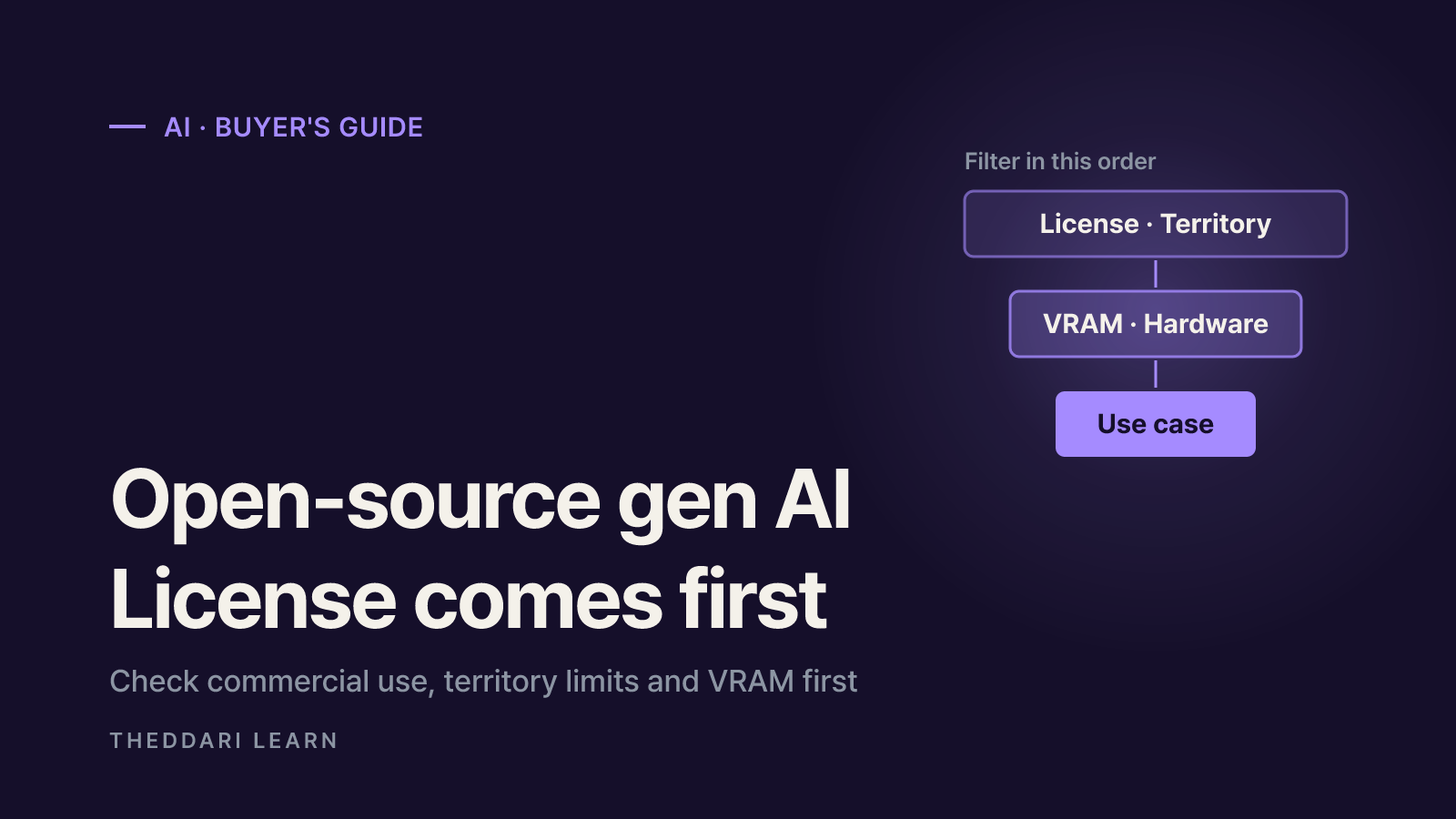
The fastest way to choose an open source AI video generator or a free AI image generator is to filter in this order: license, then hardware, then use case. Output quality matters, but it is pointless to benchmark a model you are not allowed to use commercially, cannot legally run in your country, or cannot fit on your GPU. This guide compares five popular open-weight models — Wan 2.2, LTX-2.5, HunyuanVideo 1.5, Qwen-Image 2.1 Turbo and FLUX.1 schnell — using their official model cards and license texts as checked in October 2026. It is a selection framework, not a quality ranking.
Open source AI video generator licenses: what "open" really means
Most so-called open source AI models are more precisely open-weight models: the trained weights are downloadable, but the license attached to them decides what you may do. In practice the licenses fall into three groups. Standard permissive licenses such as Apache-2.0 or MIT allow commercial use, modification and redistribution with few conditions. Custom community licenses written by the model maker allow free use but add conditions on revenue, user counts or geography. Research or non-commercial licenses limit use to research and evaluation. The same download button can sit in front of any of the three, so read the LICENSE file in the exact repository you pull from, at the time you pull it.
Licenses can also change between versions from the same developer. A model family that was permissive in one release may ship its next checkpoint under different terms, and fine-tunes or quantized re-uploads by third parties inherit the original model's license rather than replacing it. Treat the license as part of the model's specification, just like parameter count or resolution.
License and hardware comparison table
The table below only lists figures the developers publish themselves. Where a developer gives no VRAM number, the cell says so instead of guessing, because community measurements vary widely with resolution, frame count and offloading settings.
Wan 2.2 TI2V-5B
- Output
- Video from text or image, 720P at 24 fps
- License
- Apache-2.0
- Commercial use
- Allowed
- Developer VRAM guidance
- 24 GB (RTX 4090 class) with offloading flags
Wan 2.2 T2V/I2V-A14B
- Output
- Video at 480P and 720P
- License
- Apache-2.0
- Commercial use
- Allowed
- Developer VRAM guidance
- At least 80 GB on a single GPU
LTX-2.5 (22B)
- Output
- Video with synchronized audio
- License
- LTX-2.x Community License
- Commercial use
- Free below USD 10M annual revenue; paid agreement above
- Developer VRAM guidance
- No figure published; int8 and NVFP4 files plus FP8 cast and CPU offload options
HunyuanVideo 1.5 (8.3B)
- Output
- Video at 480p/720p, 1080p super-resolution
- License
- Tencent Hunyuan Community License
- Commercial use
- Allowed inside its territory, which excludes the EU, UK and South Korea
- Developer VRAM guidance
- Minimum 14 GB with model offloading
Qwen-Image 2.1 Turbo (7B)
- Output
- Image generation and editing in 8 steps
- License
- Qwen Research License
- Commercial use
- Not allowed without a separate commercial license
- Developer VRAM guidance
- No figure published
FLUX.1 schnell (12B)
- Output
- Image generation in 1 to 4 steps
- License
- Apache-2.0
- Commercial use
- Allowed
- Developer VRAM guidance
- No figure published
Sources: the Wan 2.2 repository, the LTX-2.5 model card, the HunyuanVideo 1.5 model card and license, the Qwen-Image 2.1 Turbo license and the FLUX.1 schnell model card. LTX-2.5 and FLUX.1 schnell are gated on Hugging Face: you must log in and accept the access conditions before downloading, which matters for automated server setups.
Territory limits: the EU, UK and South Korea
The Tencent Hunyuan Community License that covers HunyuanVideo 1.5 opens with an all-caps statement that it does not apply in the European Union, the United Kingdom or South Korea. It defines the licensed territory as worldwide minus those regions and calls any use, reproduction, distribution or display outside the territory unlicensed. The weights download the same way everywhere, so this is easy to miss. The same license requires a separate grant if your products exceeded 100 million monthly active users in the month before the release date, forbids using the model or its outputs to improve other AI models, and its acceptable use policy requires machine-generated content posted publicly to be clearly identified as such.
Revenue thresholds: LTX-2.5
LTX-2.5 from Lightricks is a 22-billion-parameter model that generates video and audio together. According to its model card, organizations with under USD 10 million in annual revenue may use it commercially and in production at no cost under the LTX-2.x Community License, while larger organizations need a paid commercial agreement. Revenue is measured across the whole entity, including subsidiaries and affiliates under common control, and transferring fine-tunes may require a paid license. For freelancers and small studios that is a low bar; for an employee of a large company, a side project may still fall under the employer's revenue.
Research-only licenses: Qwen-Image 2.1 Turbo
Qwen-Image 2.1 Turbo is a 7B checkpoint that generates and edits images in eight denoising steps. Its Qwen Research License Agreement, dated September 20, 2026, defines non-commercial as research or evaluation purposes only and says commercial use requires a separate license from the developer. Product photos for a store, ad creatives or merchandise designs would all need that commercial license first.
Hardware: VRAM, quantization and offloading
To run AI locally for video, GPU memory is usually the first wall you hit, because video models process many frames at once. The Wan 2.2 README says the 5B text-image-to-video model runs on a GPU with at least 24 GB of VRAM, such as an RTX 4090, when you enable model offloading, dtype conversion and running the T5 text encoder on the CPU. On an 80 GB card you can drop those flags for speed. Its single-GPU commands for the A14B models need at least 80 GB.
Two techniques stretch smaller cards. Quantization stores weights in smaller number formats such as FP8, int8 or 4-bit, cutting memory and disk use. Lightricks publishes ComfyUI-only int8 files and an NVFP4 file aimed at Blackwell GPUs for LTX-2.5, and documents an FP8 cast with CPU offload for its Python pipeline. Offloading keeps idle parts of the model in system RAM and moves them to the GPU when needed; Tencent's 14 GB minimum for HunyuanVideo 1.5 is measured with offloading on.
Quantization (FP8, int8, GGUF)
- What you gain
- Lower VRAM and disk use
- What it costs
- Possible quality and prompt-adherence loss; some files work only in specific apps or GPUs
CPU offloading
- What you gain
- Runs on smaller GPUs
- What it costs
- Slower generation and much higher system RAM use
Distilled checkpoints
- What you gain
- Fewer steps, faster output
- What it costs
- Some quality gap versus the full model
Lower resolution or fewer frames
- What you gain
- Less memory and time
- What it costs
- Shorter or softer clips
Quantized files are not interchangeable. The LTX-2.5 card warns that its int8 files load only in ComfyUI, not in the PyTorch-based ltx-pipelines package. Community quantizations also inherit the original license: shrinking a model does not change its terms. Treat claims such as "runs on 8 GB" as configuration-specific reports, not official requirements.
Local hardware or cloud GPUs?
Running locally means no per-generation bill and your prompts and inputs stay on your machine, but you pay up front for a high-memory GPU, electricity, tens of gigabytes of storage and setup time. Renting a cloud GPU by the hour gives you access to 80 GB cards for short bursts, with time spent downloading weights and an hourly charge while the instance runs. Occasional users often find renting simpler; heavy daily users may prefer owning hardware. Rental prices change frequently, so check the provider's current pricing page before you commit.
How to choose open source AI models by use case
- 1
Write down the job and the jurisdiction
Is this personal experimentation, client work or a paid product? Note where you and your end users are located, because territory clauses can rule a model out regardless of hardware.
- 2
Filter by license
Remove research-only models if you need commercial use. If your organization earns USD 10 million or more per year, treat LTX-2.5 as a paid option. Apache-2.0 models such as Wan 2.2 and FLUX.1 schnell carry the simplest terms.
- 3
Check your hardware
Compare your VRAM, system RAM and free SSD space with the developer guidance. If you fall short, consider quantized builds, offloading or lower resolution, and price out a cloud GPU as a fallback.
- 4
Match the features
Need sound in the same pass? LTX-2.5 generates audio with video. Want quick short drafts? Wan 2.2 TI2V-5B targets 720P at 24 fps. Need still images or edits? Look at image models instead. Confirm ComfyUI or Diffusers support for your workflow.
- 5
Keep a license record
Save the repository URL, download date and a copy of the LICENSE file with your project, plus any output rules such as labeling requirements or bans on training other models.
Beyond licensing, remember the residual risks. Even Apache-2.0 models list out-of-scope uses; the FLUX.1 schnell card excludes illegal activity, exploitation of minors, non-consensual intimate imagery and large-scale disinformation. Output ownership depends on local copyright law and on whether you infringe someone's likeness or trademarks. Third-party quantized files and custom nodes are code written by strangers, so prefer official repositories and the safetensors format. Long renders also stress power supplies and cooling.
New checkpoints and license changes appear quickly. You can watch which model names are trending in theddari's AI Telegram tracker and blog trends, then apply the steps above to the official model card and license text. Those trend tools show what people are talking about; they do not judge model quality or legal fit.

よくある質問
Is there a truly free open source AI video generator for commercial use?
Can I use HunyuanVideo 1.5 in the EU or the UK?
How much VRAM do I need to run an AI video generator locally?
Who owns the images and videos an open model creates?
出典・参考資料
- 1Wan-Video/Wan2.2 GitHub repository (Apache-2.0)(新しいタブで開きます)github.com
- 2Lightricks/LTX-2.5 model card on Hugging Face(新しいタブで開きます)huggingface.co
- 3Tencent Hunyuan Community License (HunyuanVideo-1.5)(新しいタブで開きます)github.com
- 4tencent/HunyuanVideo-1.5 model card on Hugging Face(新しいタブで開きます)huggingface.co
- 5Qwen/Qwen-Image-2.1-Turbo model card on Hugging Face(新しいタブで開きます)huggingface.co
- 6Qwen Research License Agreement (Qwen-Image-2.1-Turbo)(新しいタブで開きます)huggingface.co
- 7black-forest-labs/FLUX.1-schnell model card on Hugging Face(新しいタブで開きます)huggingface.co
関連記事
 AI
Anthropic's Riemann Hypothesis Proof: Is It Verified?
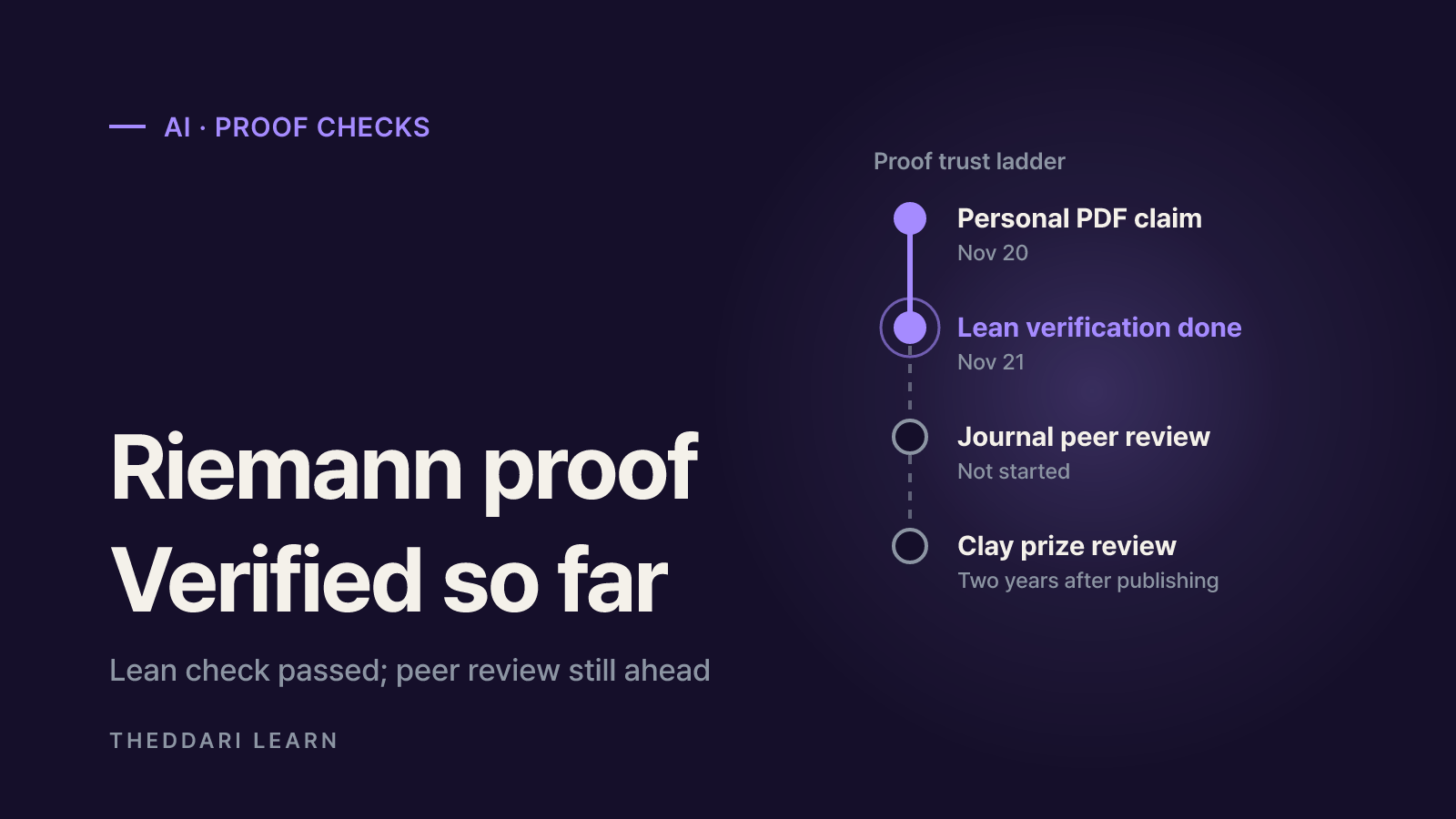
On November 20, 2026, Anthropic researcher Levent Alpöge said he had proved the Riemann Hypothesis with Claude. A day later the Lean and Mathlib communities certified the formal proof. What that means, what is still missing, and a checklist for judging big proof claims.
 AI
AgentRoboCritic: Can Frontier AI Agents Control Robots?
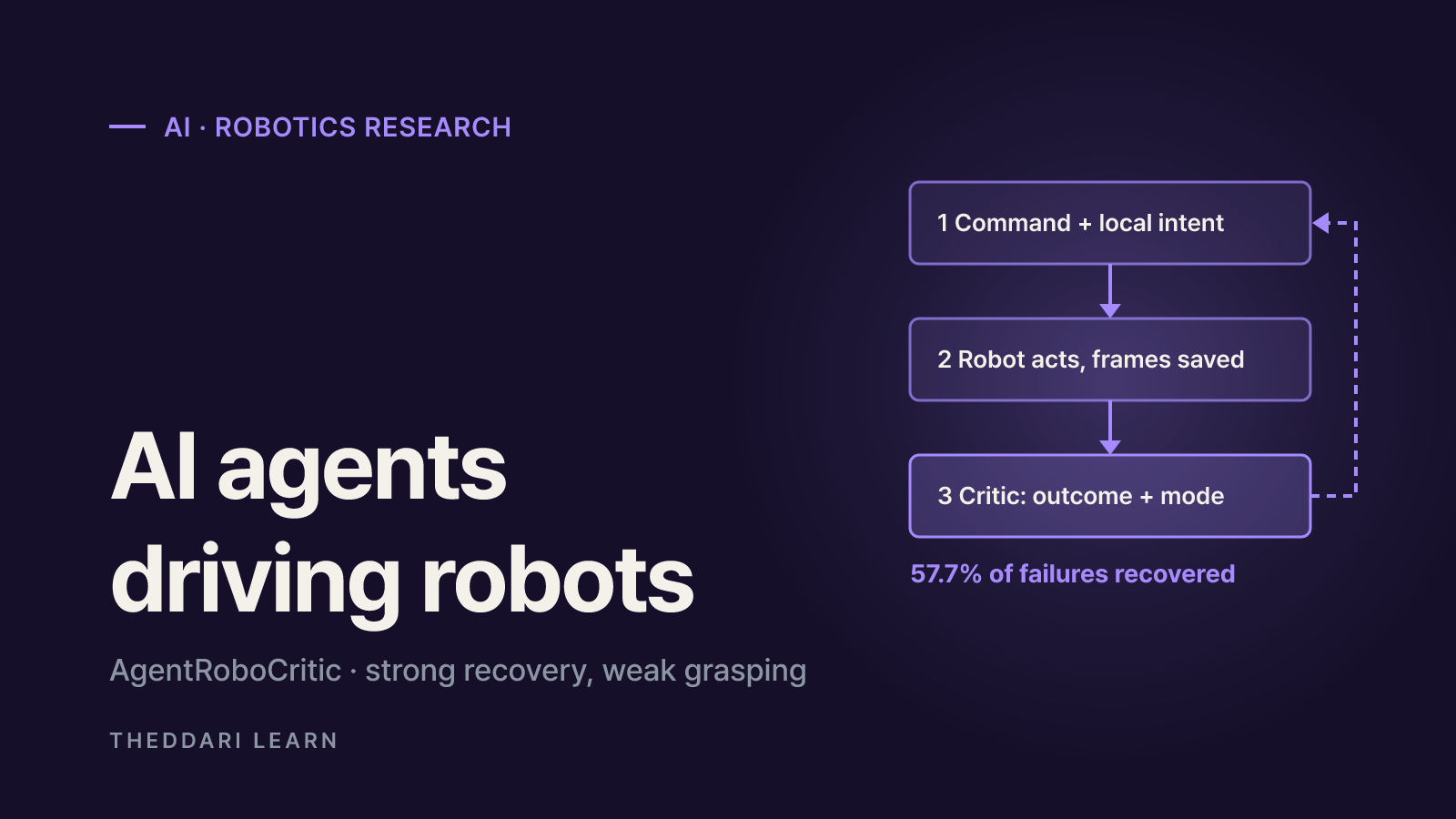
A November 2026 arXiv study from Carnegie Mellon, UIUC and Bosch scores every action a frontier AI agent sends to a robot. Here is what it found about recovery, grasping, alignment, zero-shot success and latency, and how far to trust it.
 AI
Inkling 2 Mini vs Inkling 2 Small: Specs, Local Use, Limits
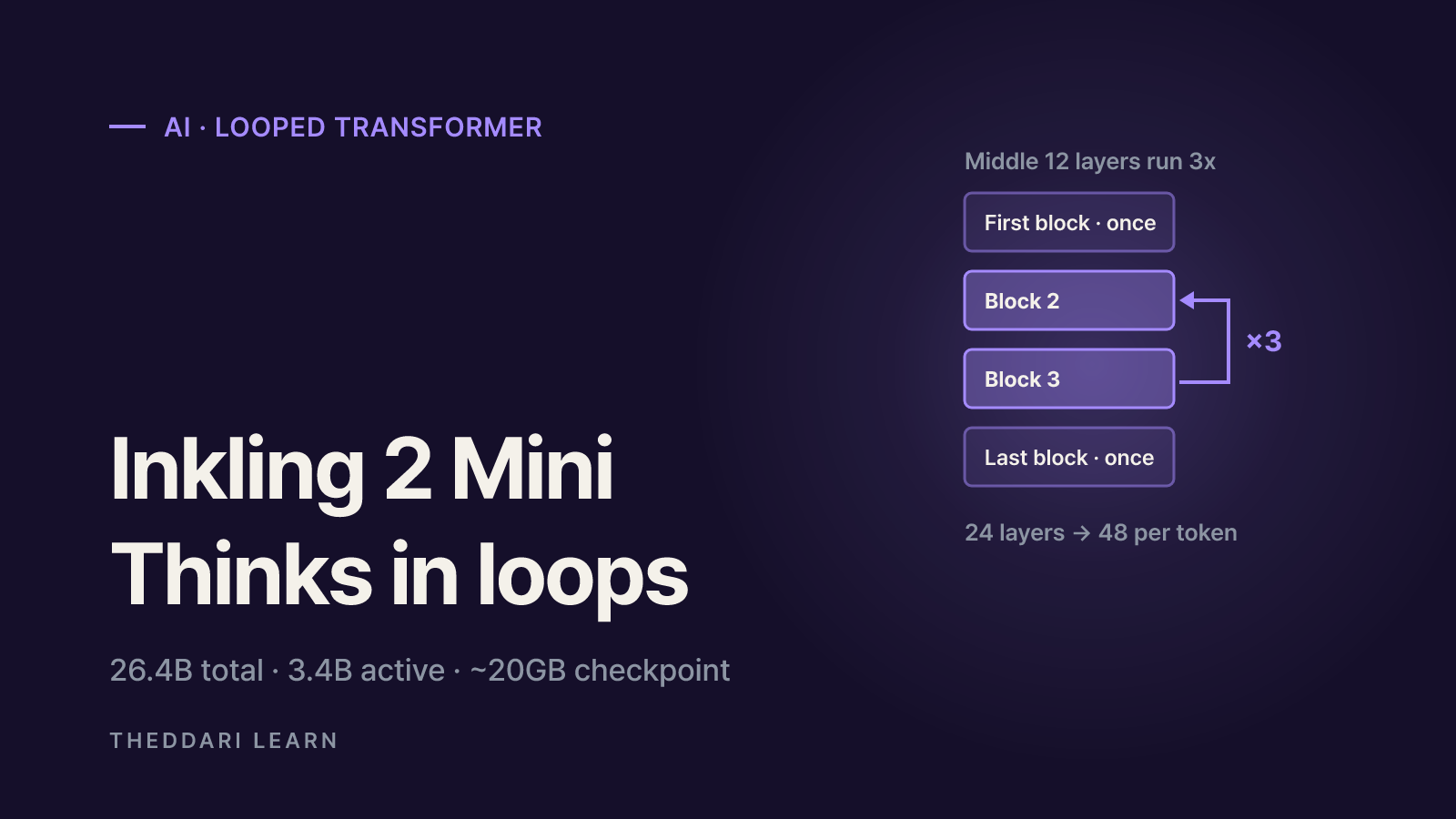
Thinking Machines released Inkling 2 Mini on November 20, 2026: a 26.4B-parameter open-weights model with a ~20GB checkpoint that runs on 32GB Macs. Here is how it compares with Inkling 2 Small and what to check before you deploy it.